This guide shows you how to find the URL for a completed Employer Due Diligence form and resend it to the employer. The link stays the same, so the employer can access it again at any time.
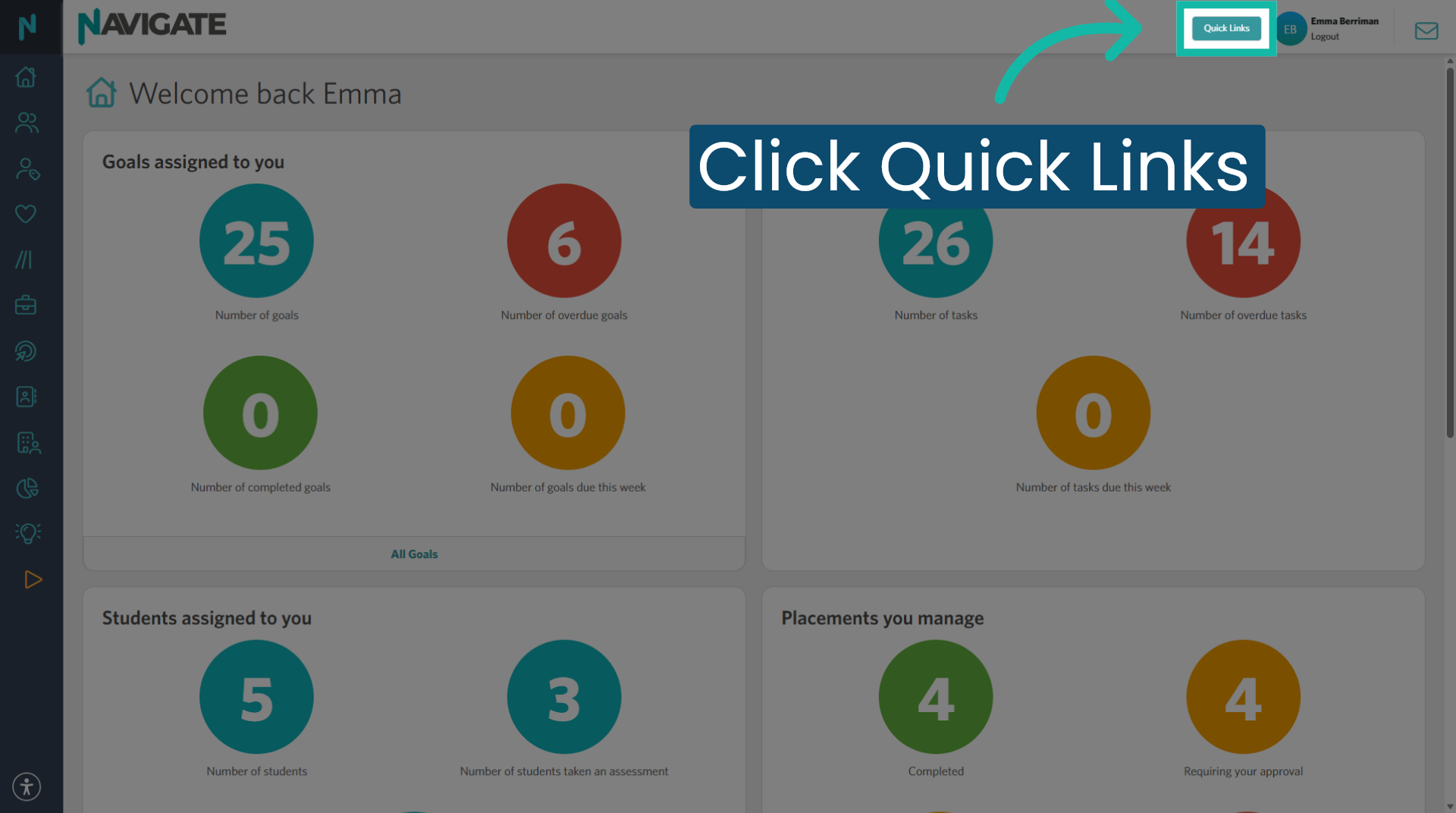
1. Open Quick Links
Once logged in at login.navigate.uk.com, click 'Quick links' to search for the placement.
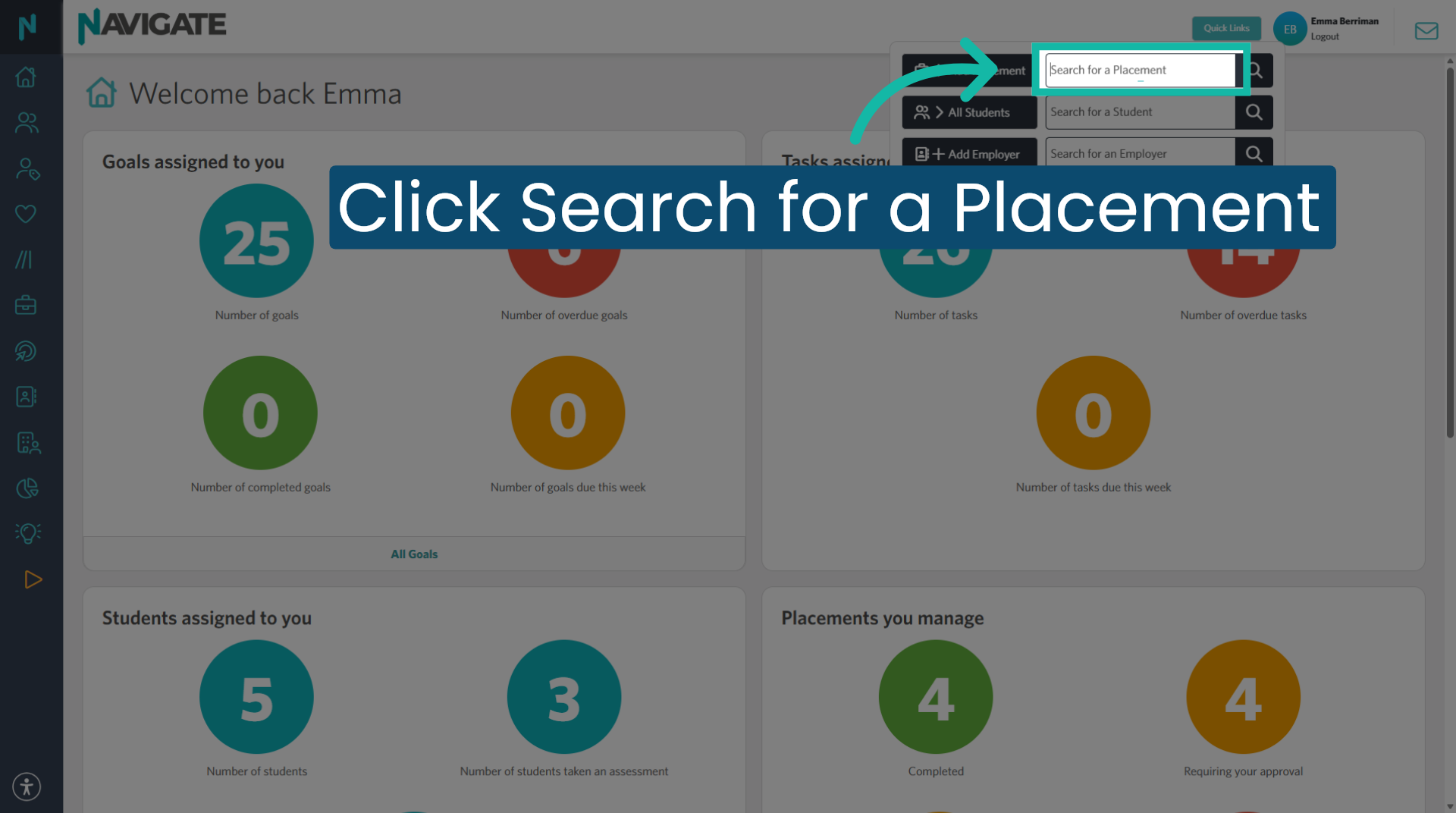
2. Search for the placement
Type the student or employer name to search for a placement.
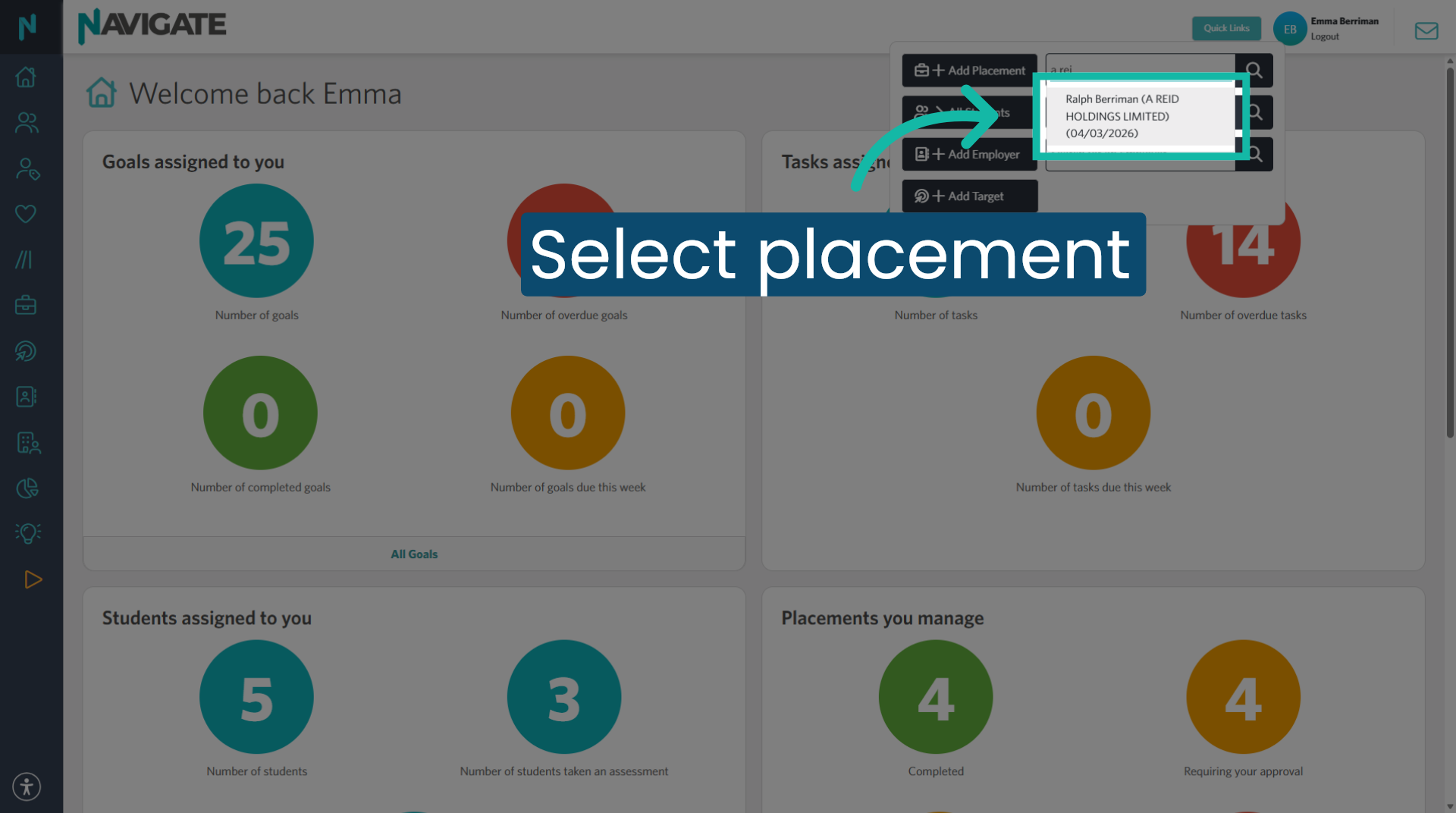
3. Select the placement
Select the placement you wish to open.
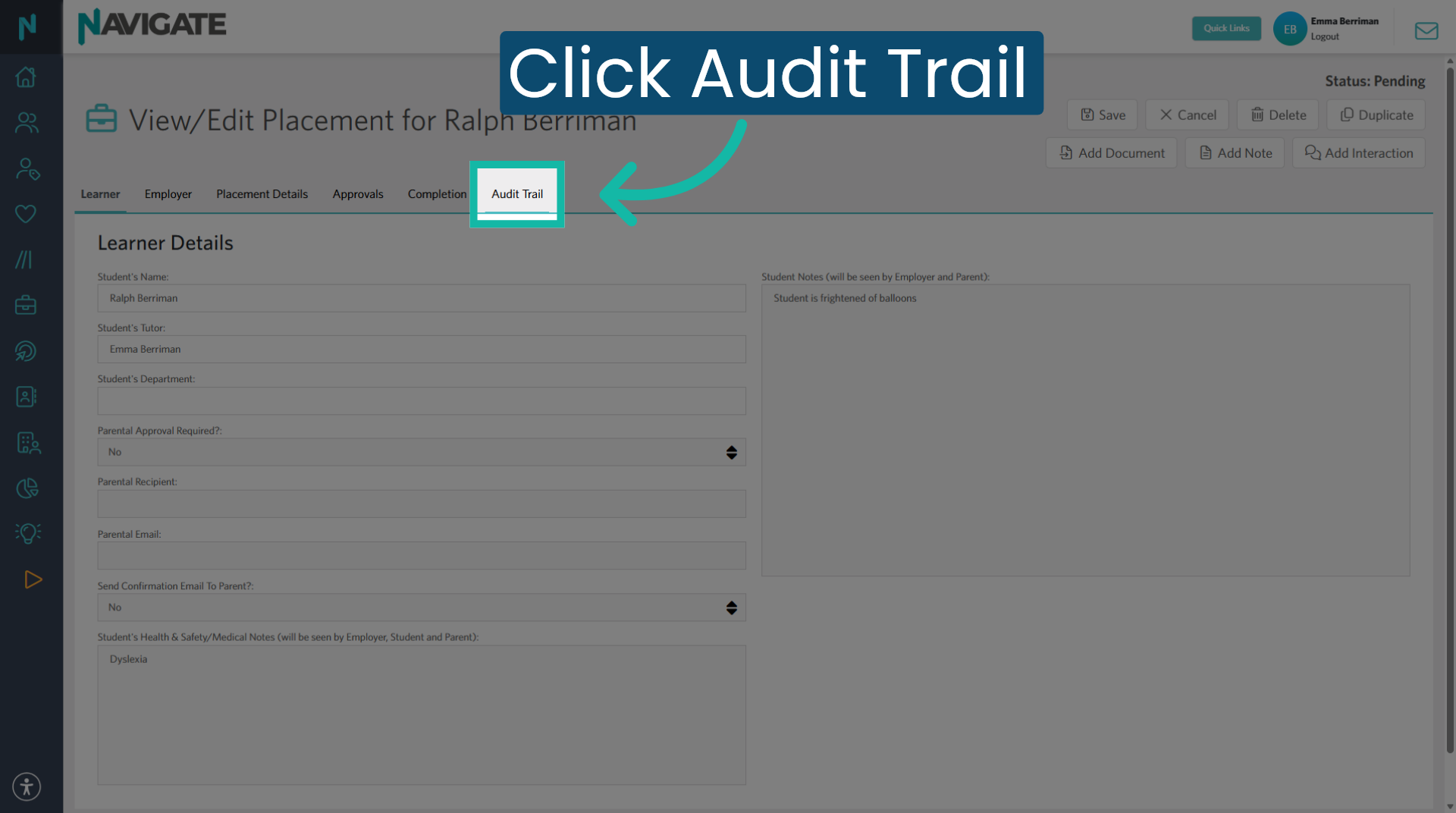
4. Open the Audit Trail
Click the 'Audit trail' tab to view the due diligence document.
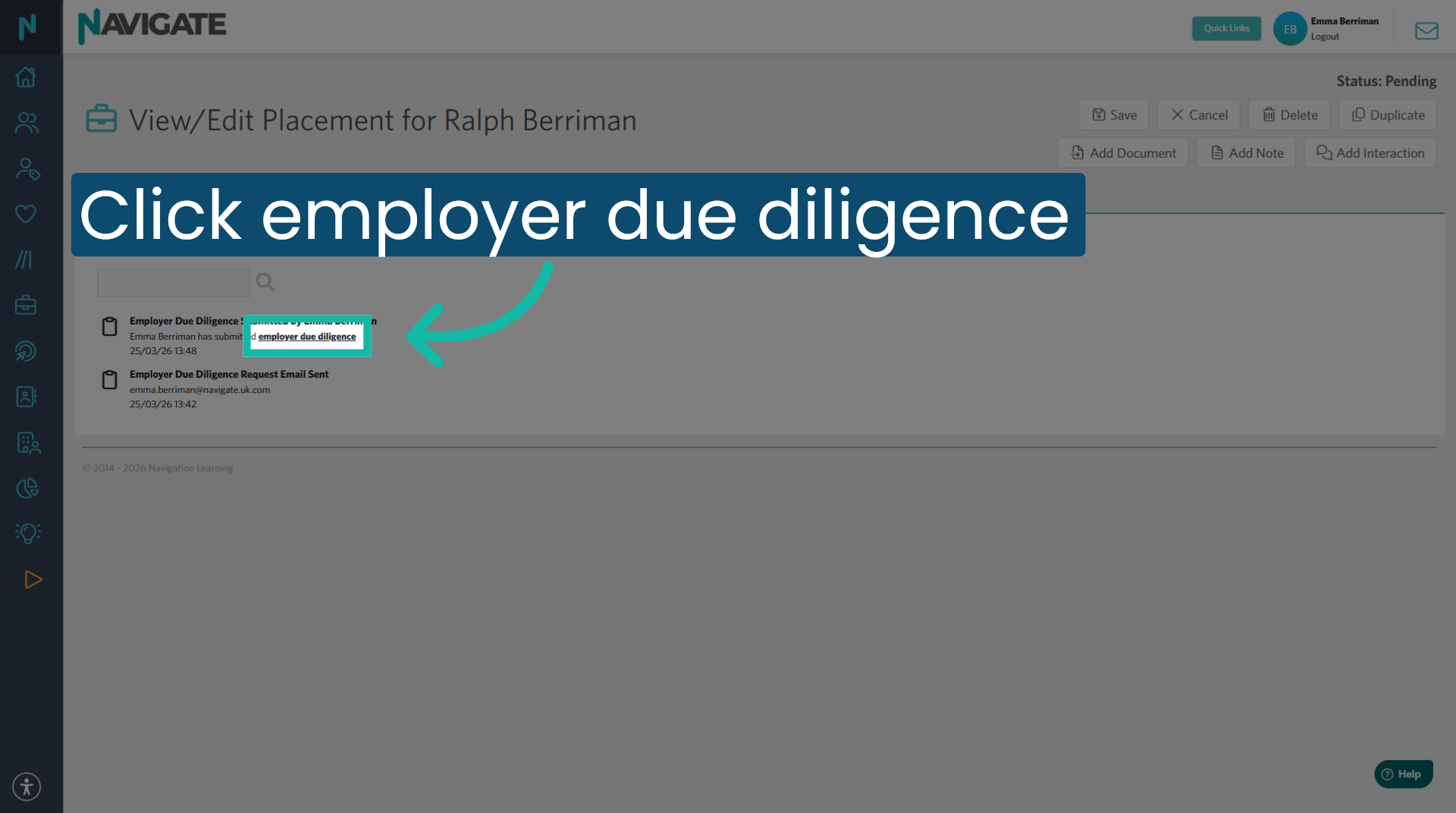
5. Open the Employer Due Diligence form
Click 'Employer due diligence' to open the form.
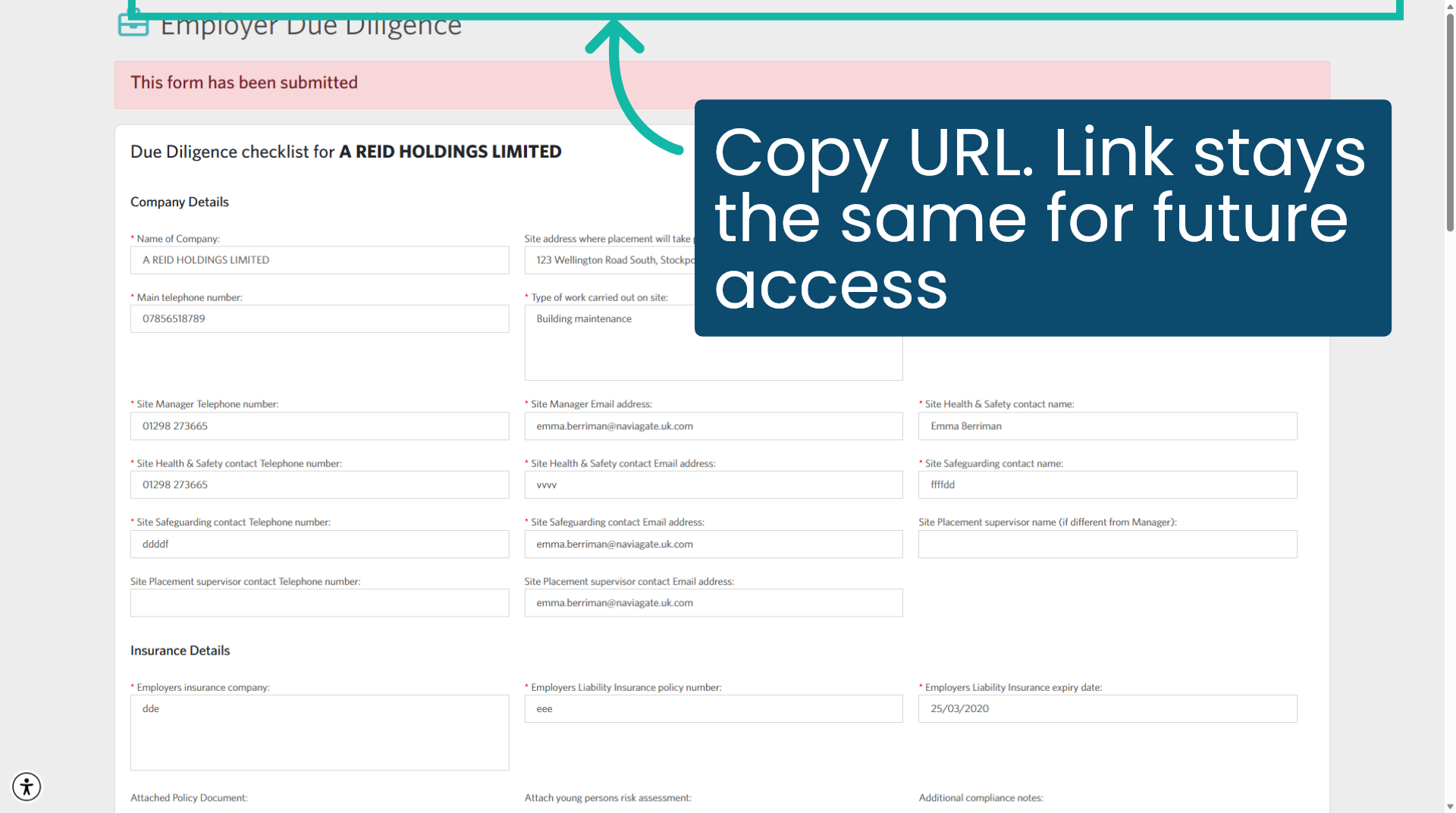
6. Copy the URL and send it
Copy the URL from the address bar and send the link to the employer by email. This URL stays the same and can be accessed by the employer at any time.
Was this article helpful?
That’s Great!
Thank you for your feedback
Sorry! We couldn't be helpful
Thank you for your feedback
Feedback sent
We appreciate your effort and will try to fix the article