Go to login.navigate.uk.com
1. Opportunities Section
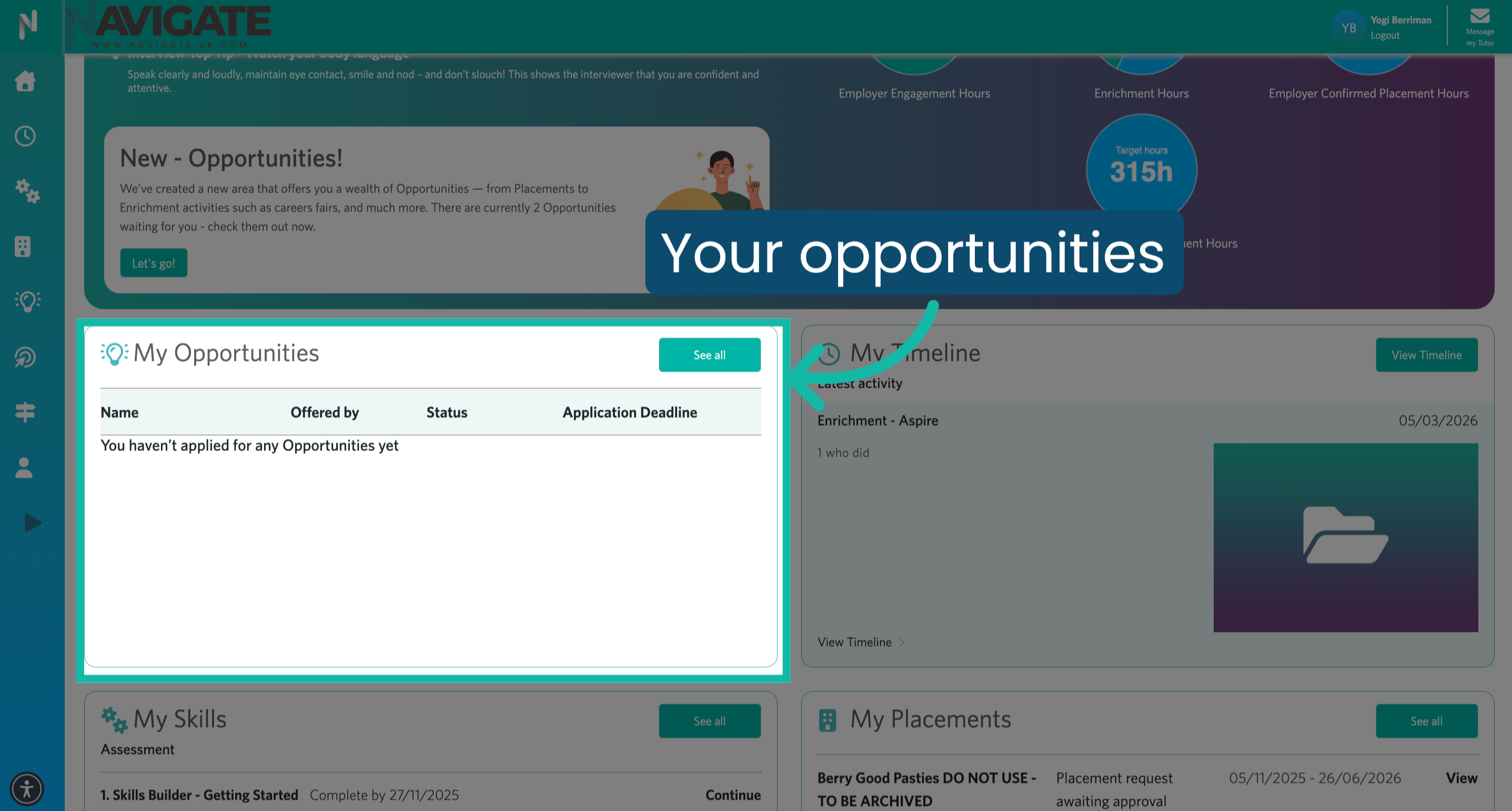
Once logged in, you will see your Opportunities section.
2. View Opportunities Applied For
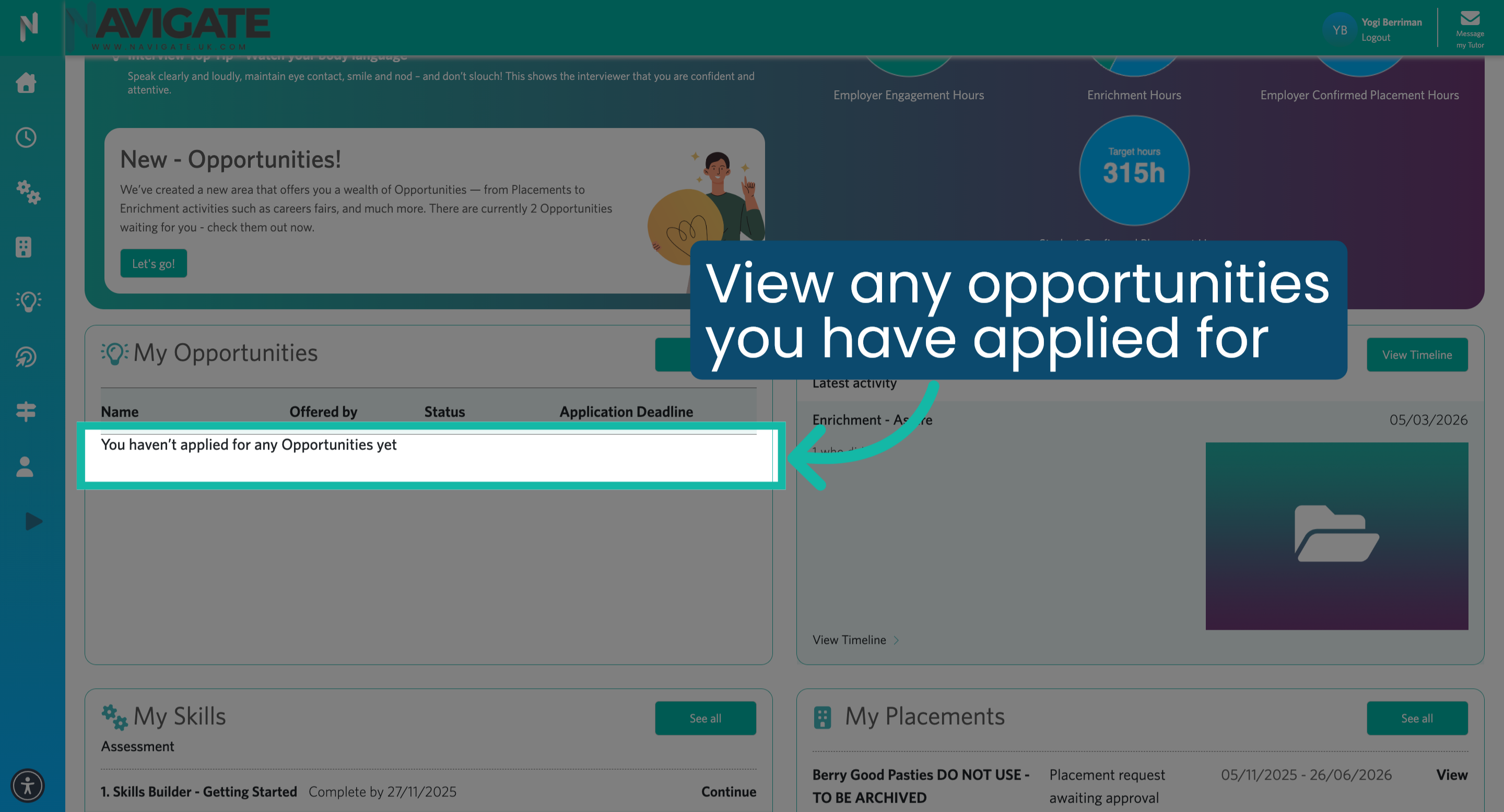
Here you can see any opportunities you have applied for.
3. View All Opportunities
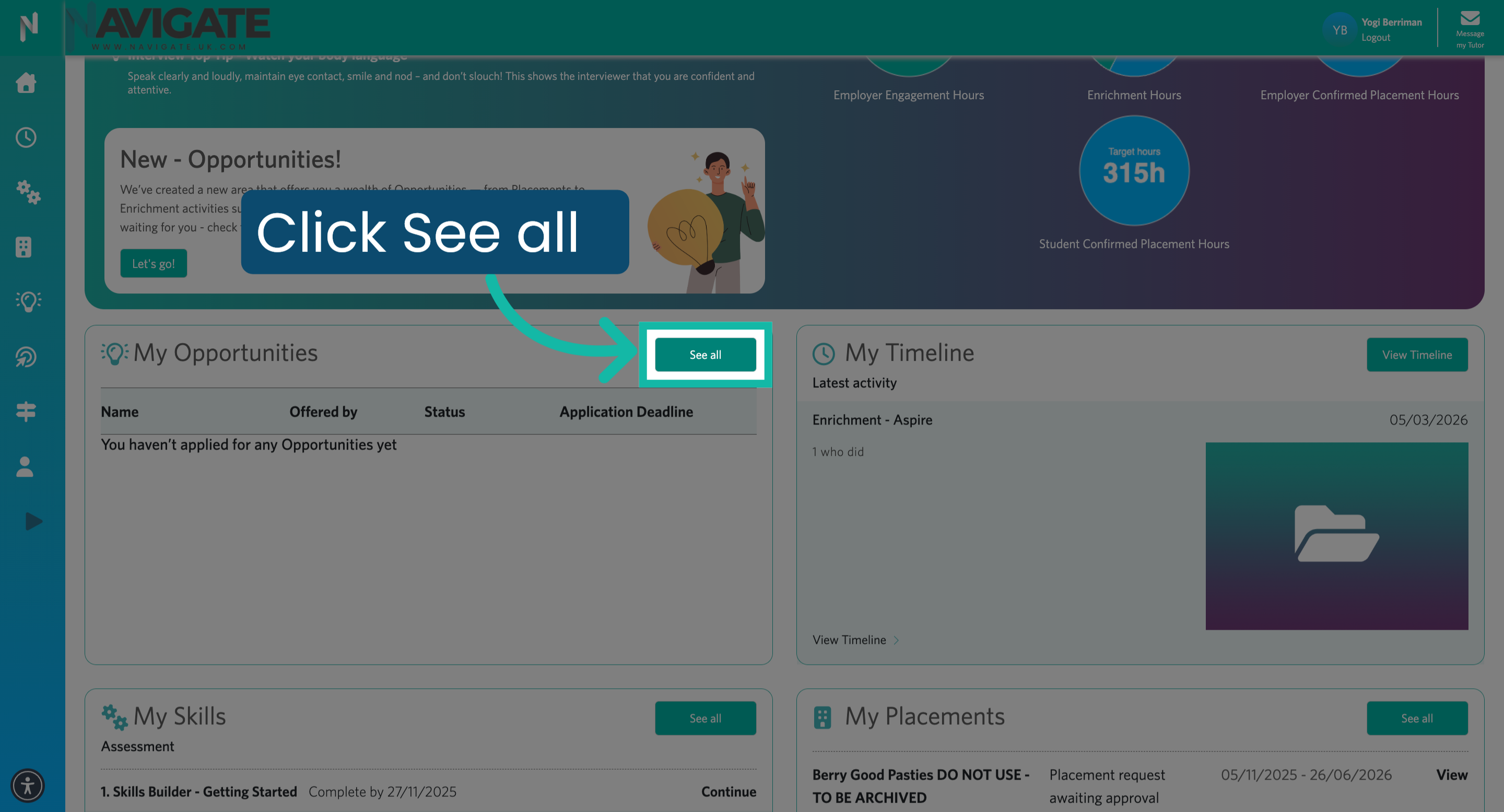
Click 'See all' to see the full list of available opportunities.
4. Filter Opportunities
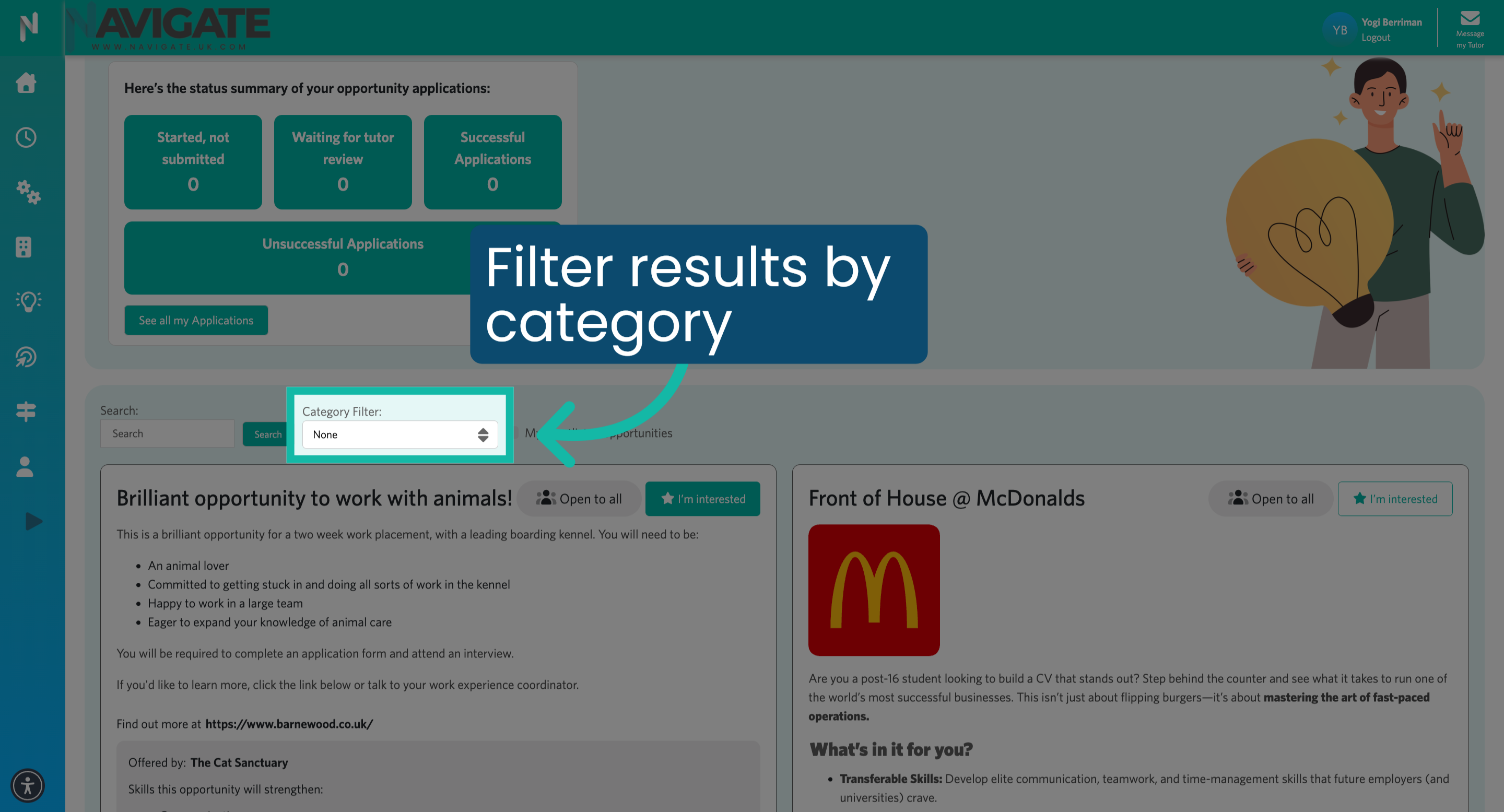
Click on the 'Category' filter to view opportunities by industry.
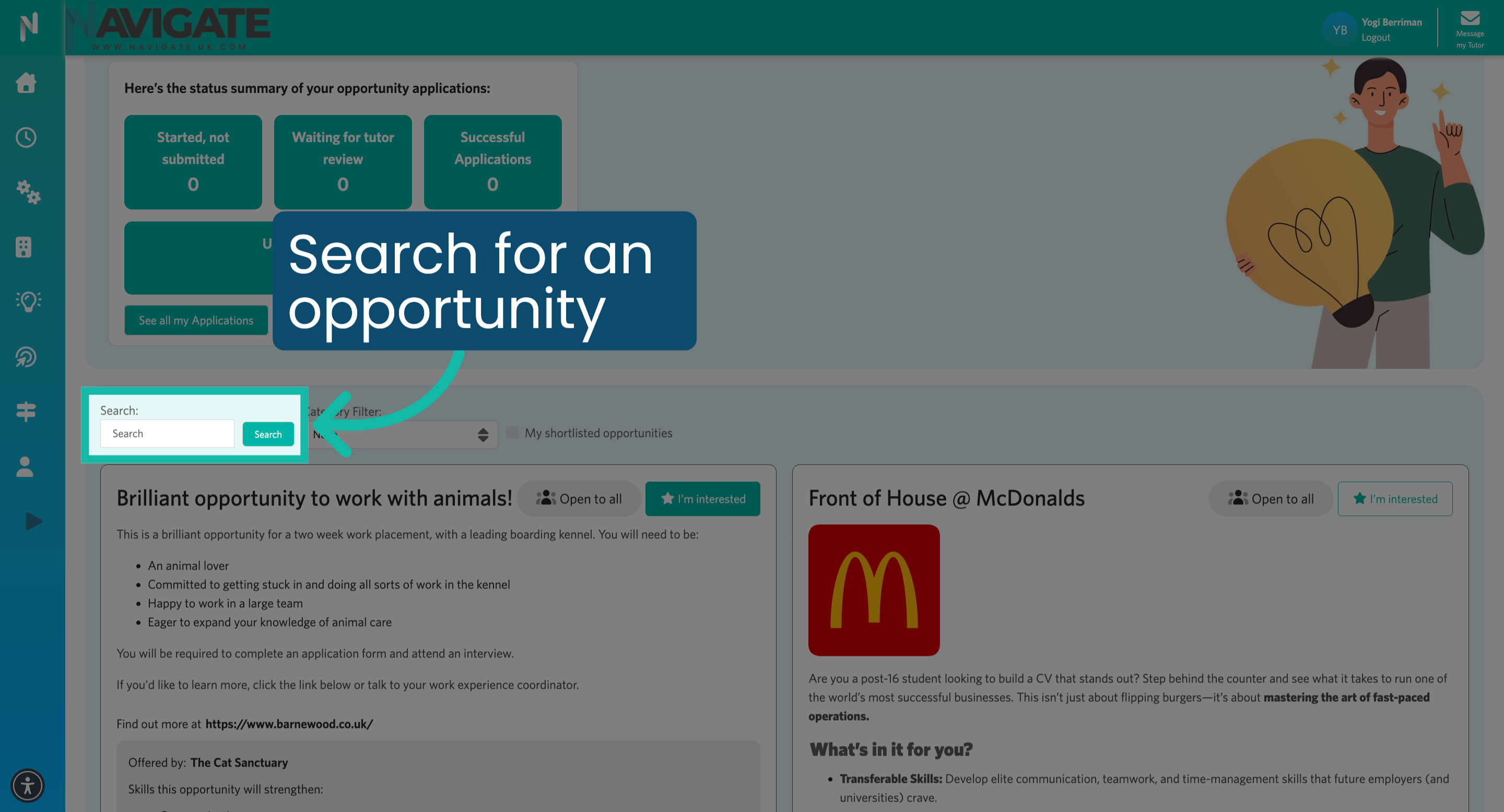
5. Search for an opportunity
You can also search for an opportunity by name.
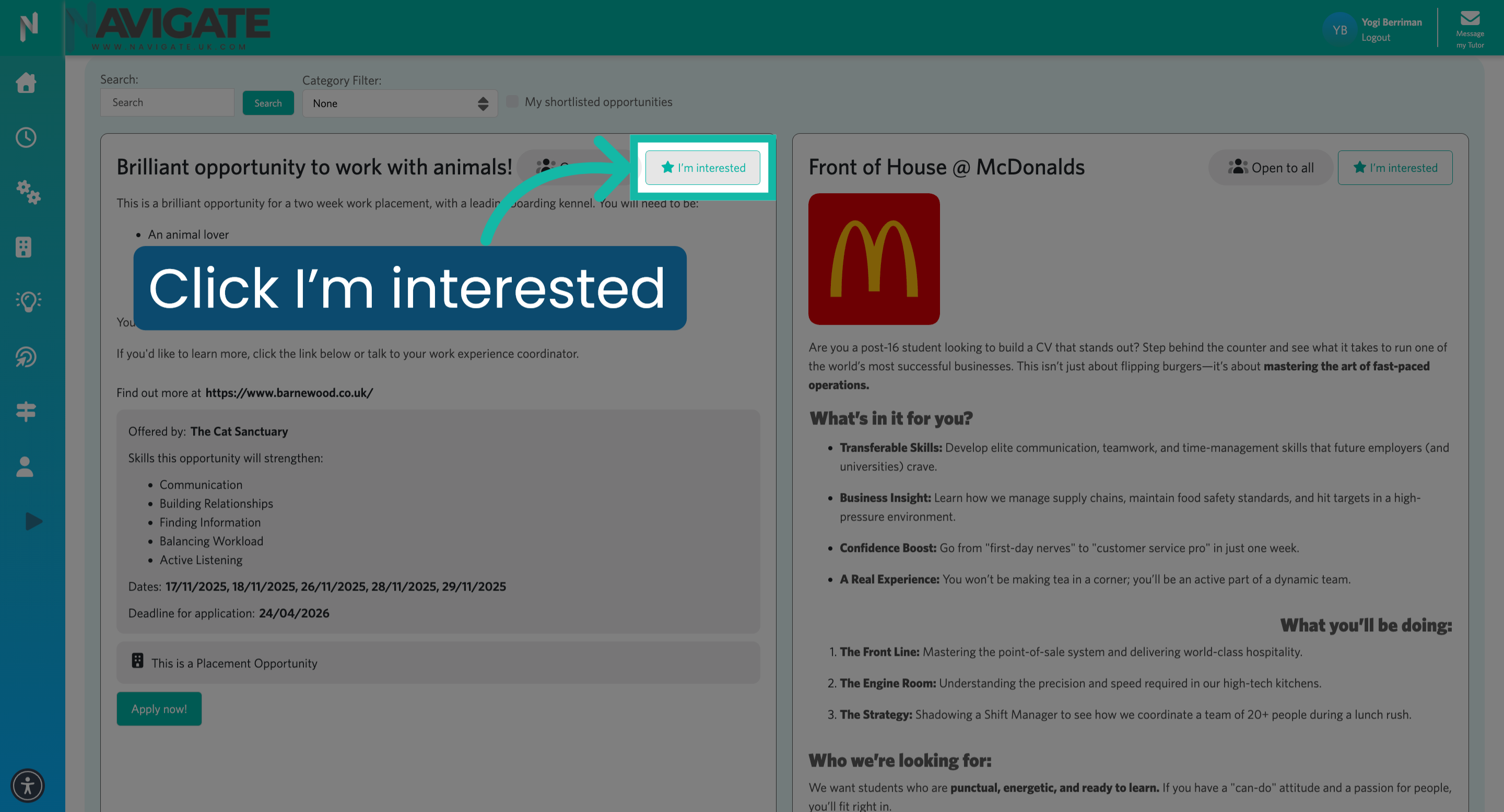
6. Express Interest in Opportunity
Once you have found an opportunity you are interested in, click "I'm interested" to indicate your interest in that specific opportunity.
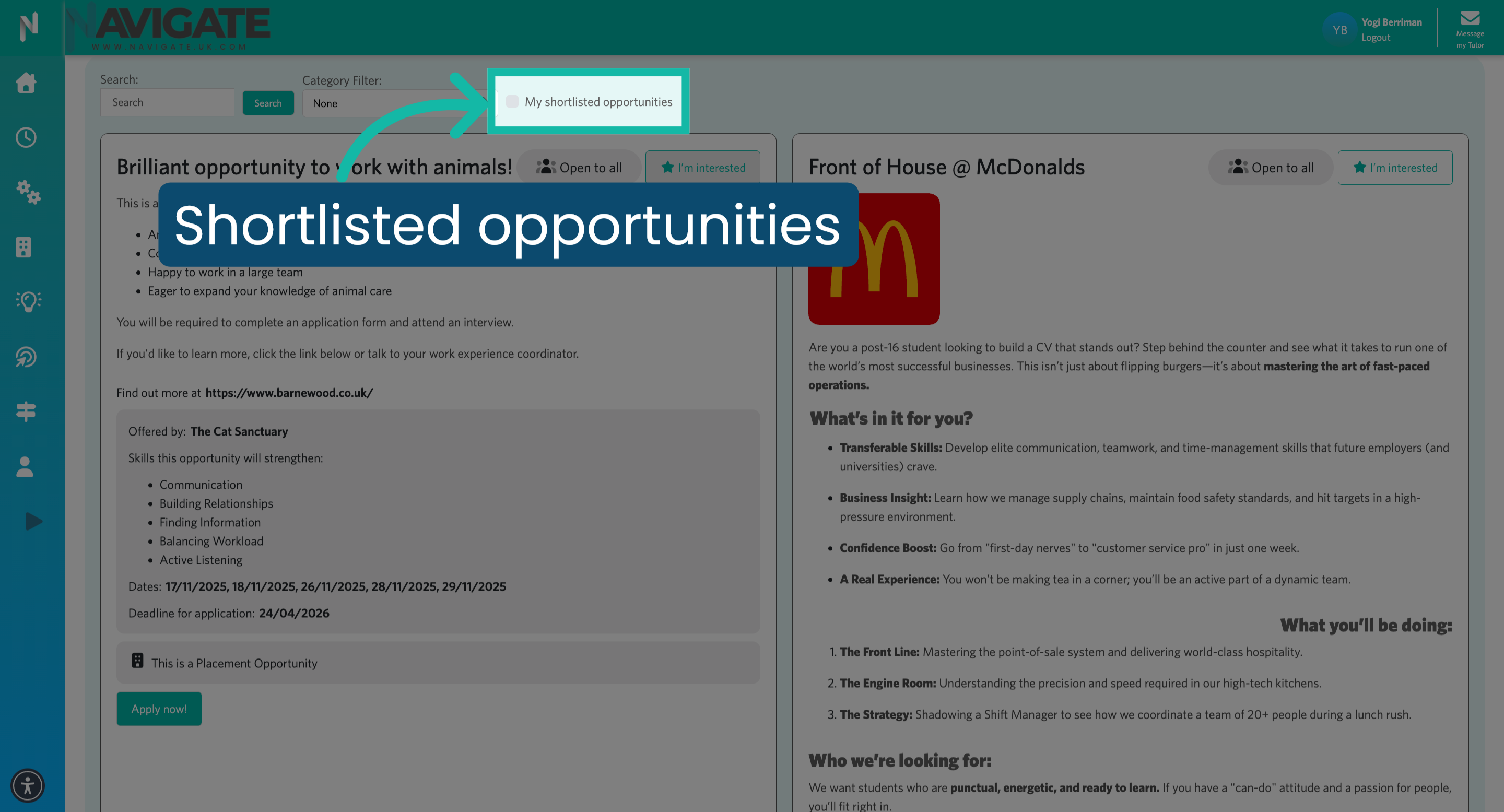
7. View shortlisted opportunities
All the opportunities you are interested in are saved to 'My shortlisted opportunities' and can be viewed and applied for at any time.
Was this article helpful?
That’s Great!
Thank you for your feedback
Sorry! We couldn't be helpful
Thank you for your feedback
Feedback sent
We appreciate your effort and will try to fix the article