This guide explains how to convert an existing work experience placement into a T Level placement and link it to the student’s course enrolment.
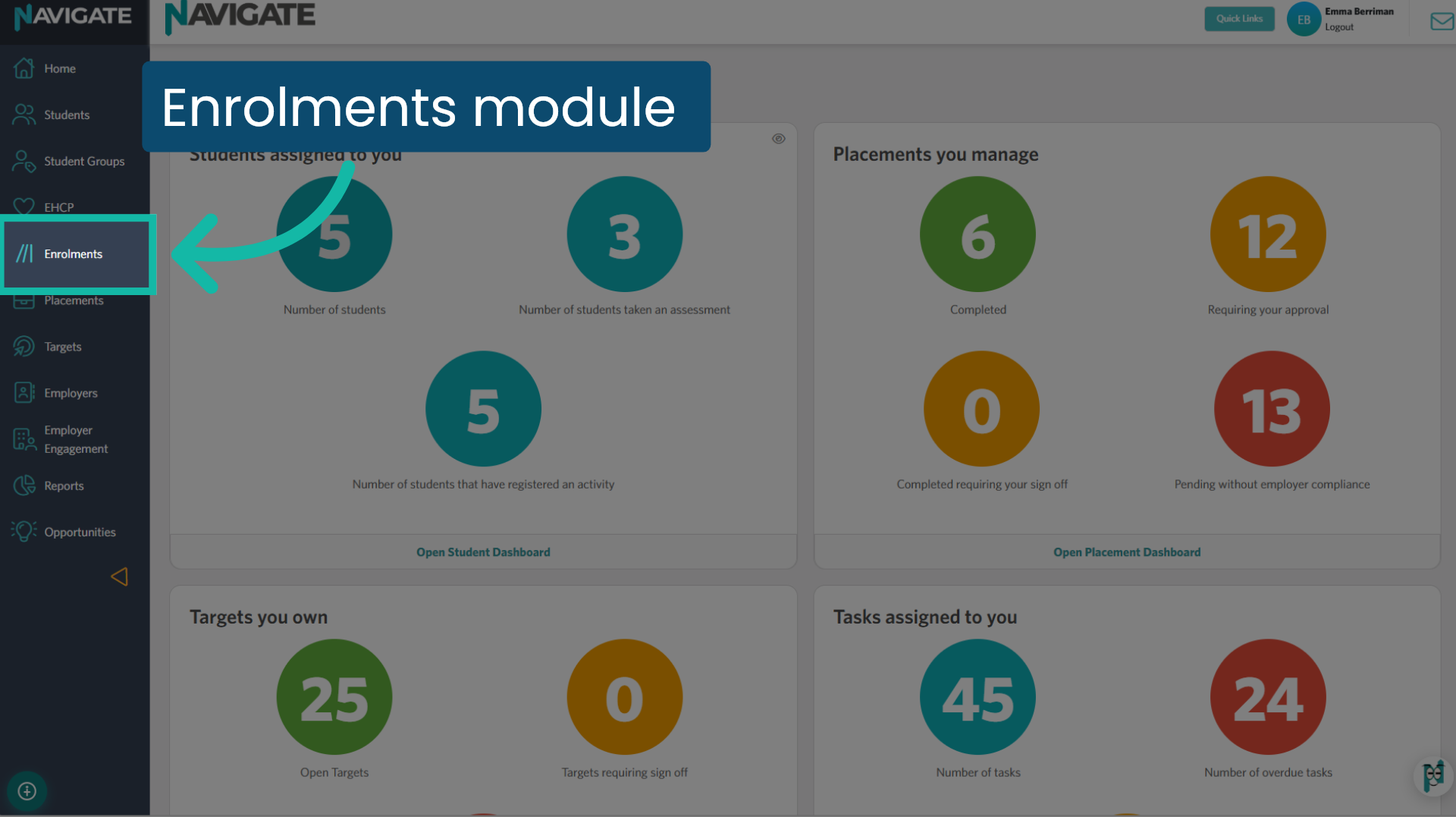
1. Open the Enrolments module
To convert a work experience placement into a T Level placement, you’ll need to do this from the Enrolments module. Click the module to start.
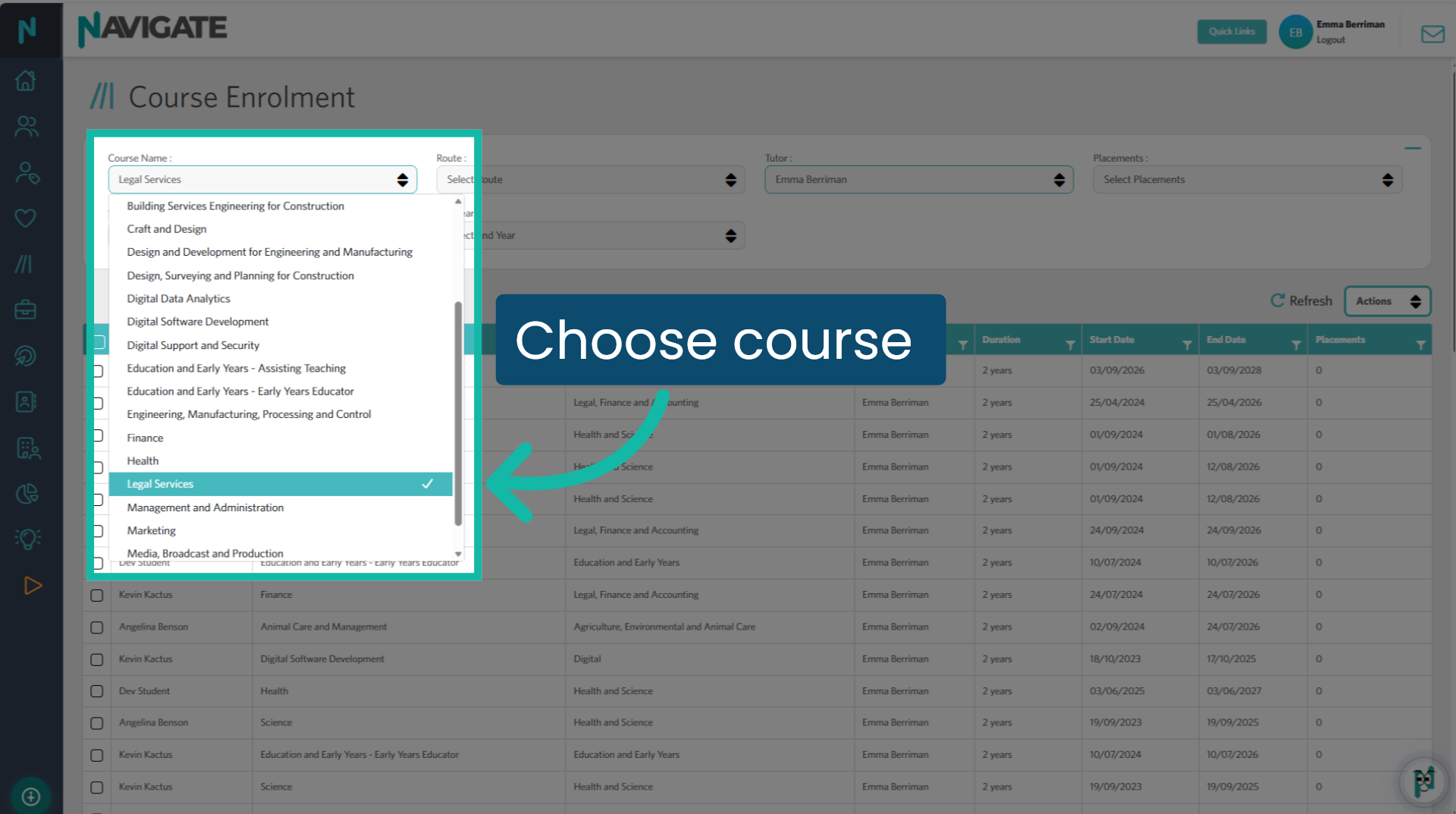
2. Choose a course
Select the course the student is enrolled in from the ‘Course name’ drop-down menu.
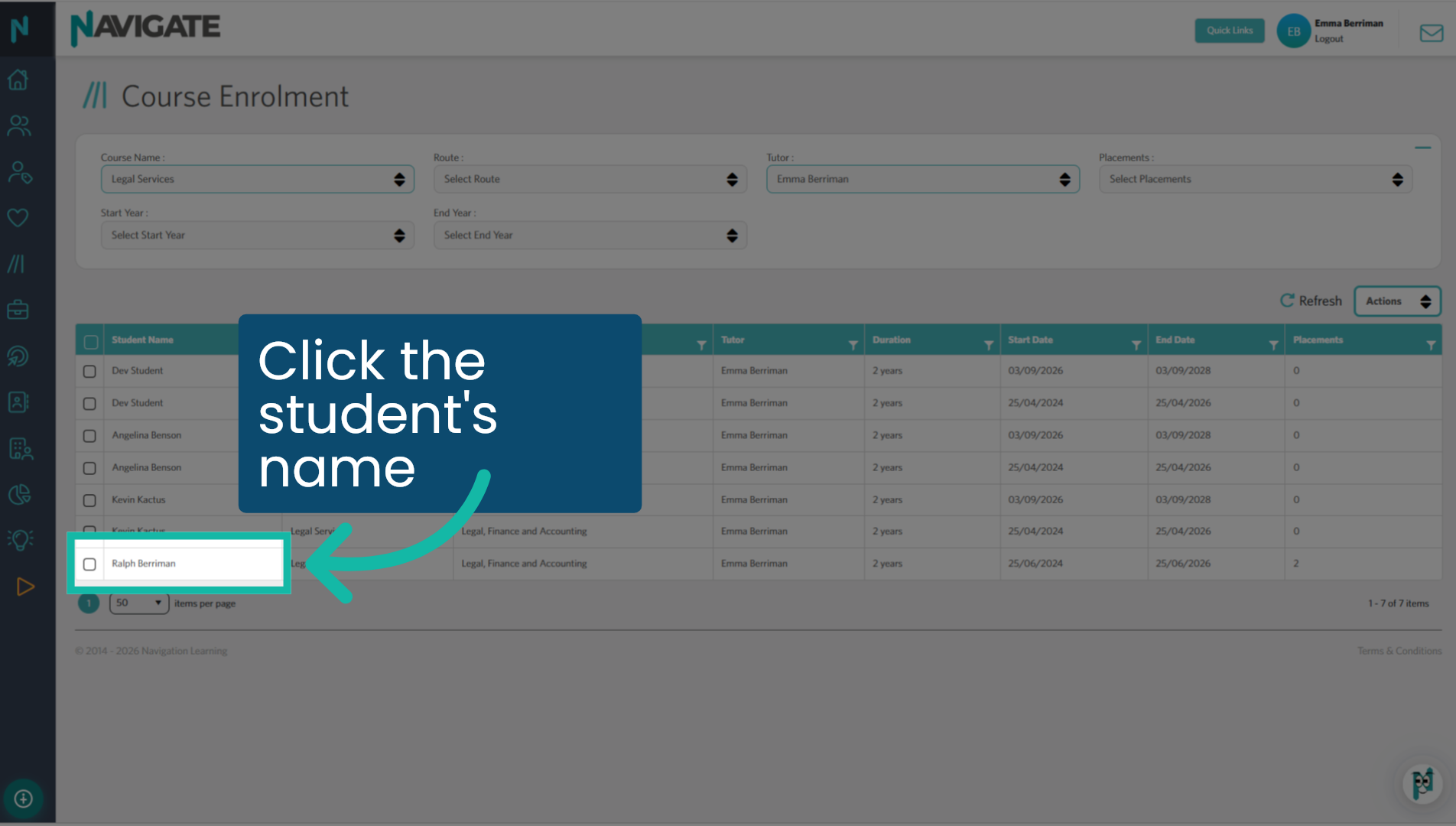
3. Click the student’s name
Click the student’s name.
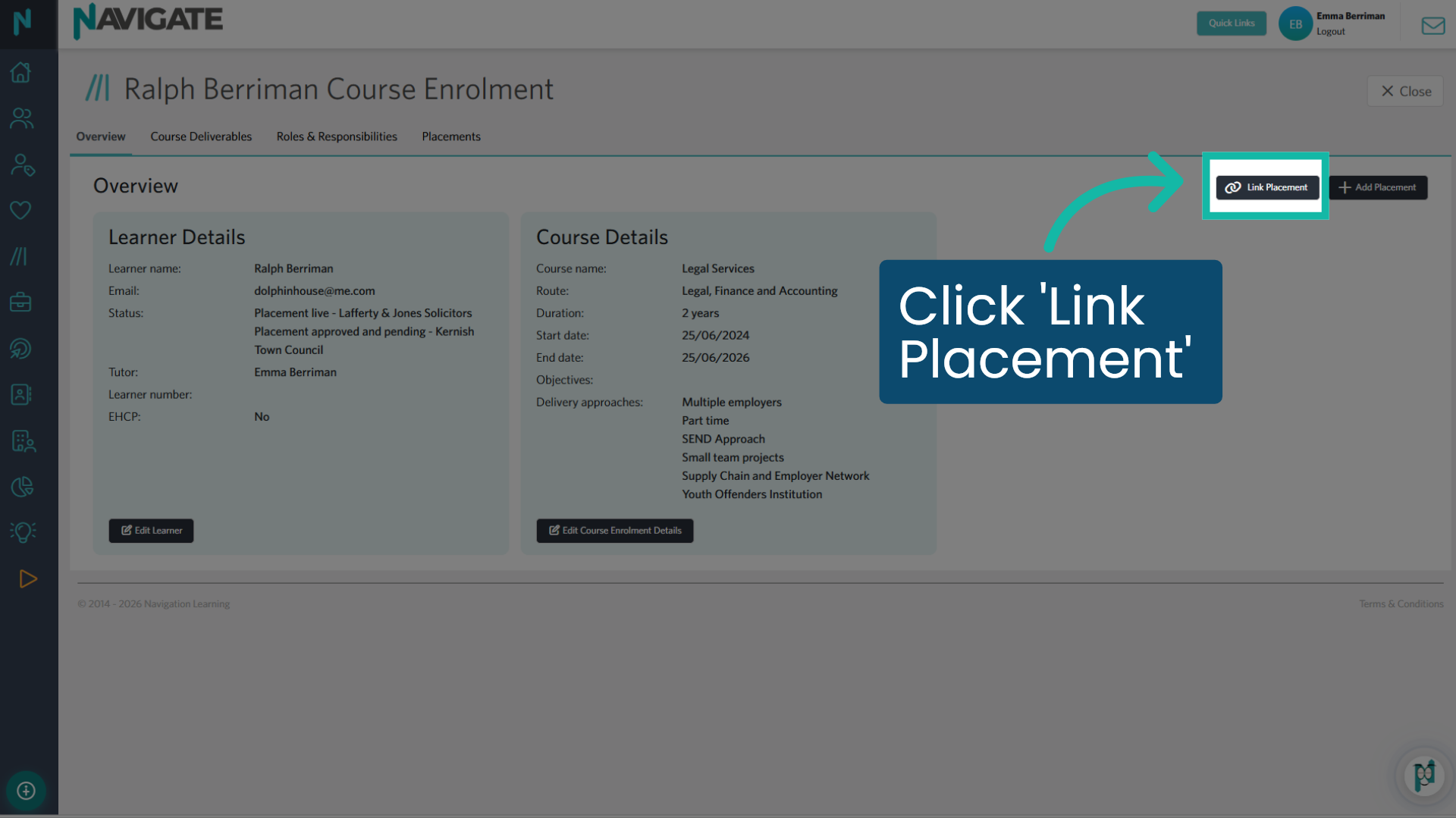
4. Click ‘Link Placement’
From the course enrolment page, select the ‘Link Placement’ button.
5. View available placements
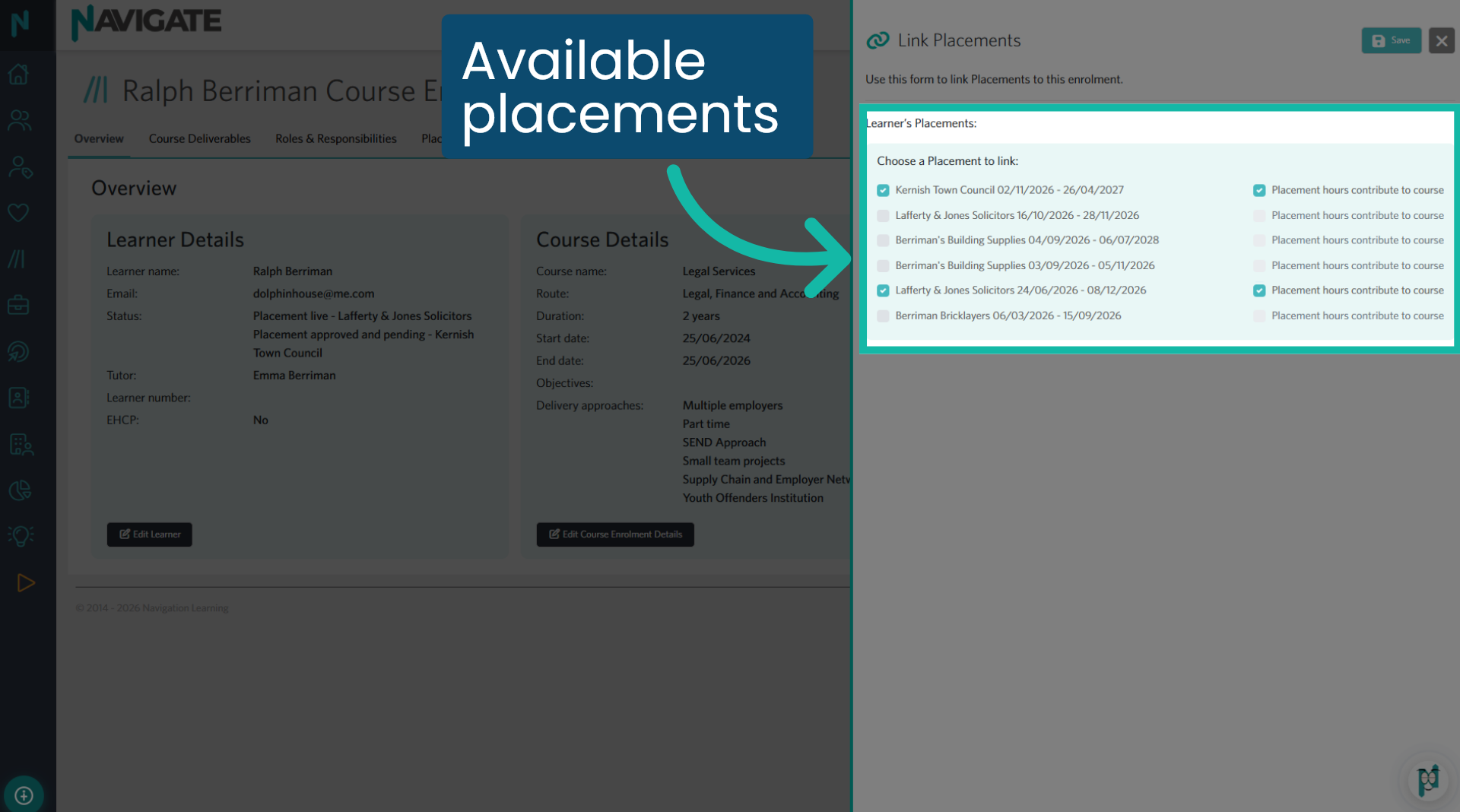
All available placements for linking are displayed here, including any work experience placements. You can also view placements that are already linked to the enrolment. This section also allows you to unlink placements from an enrolment.
6. Select a placement to link
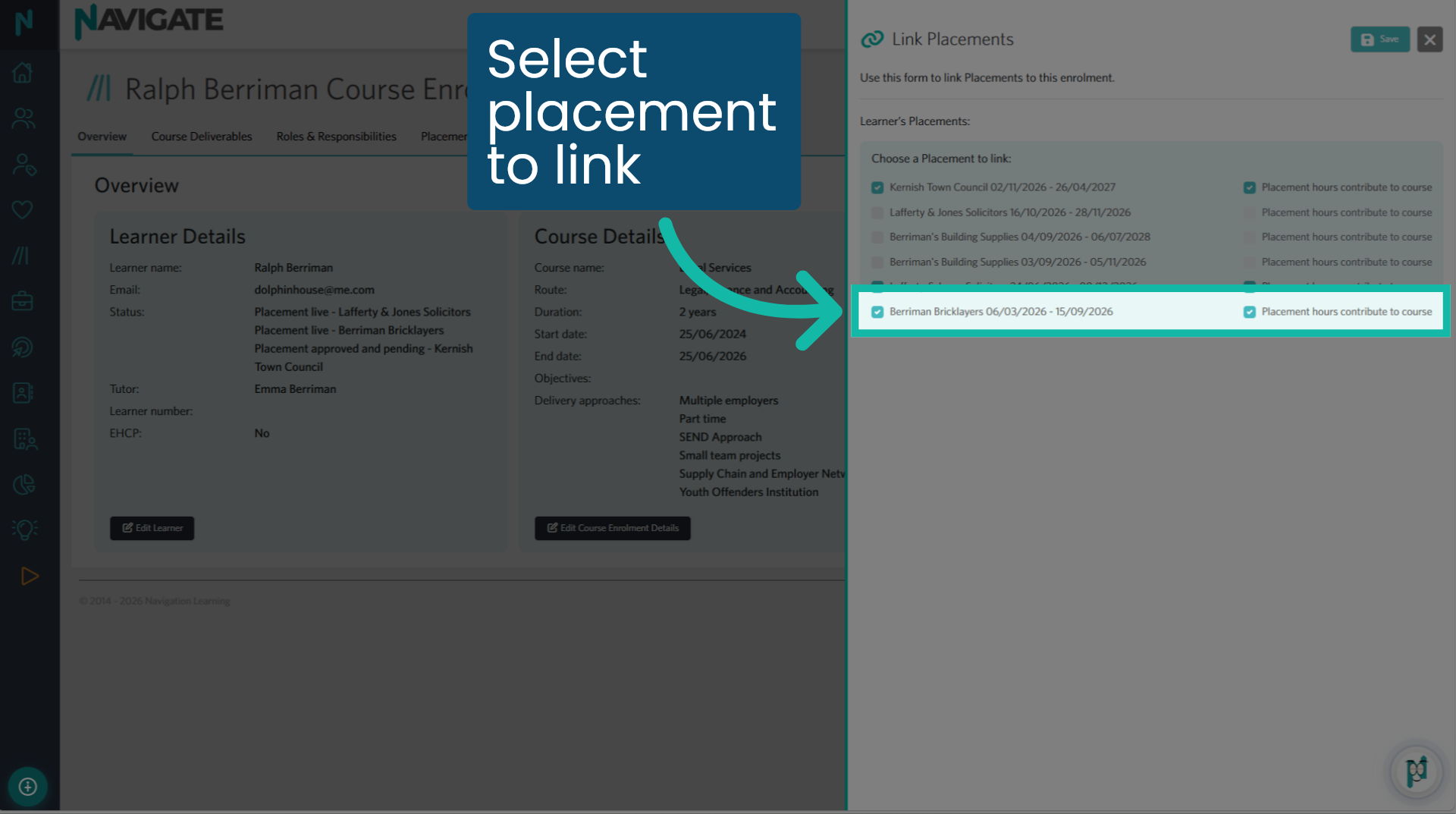
Select the placement you wish to link. Any hours already accrued on that placement will be allocated towards the T Level enrolment hours. Click ‘Save’.
7. View the placement
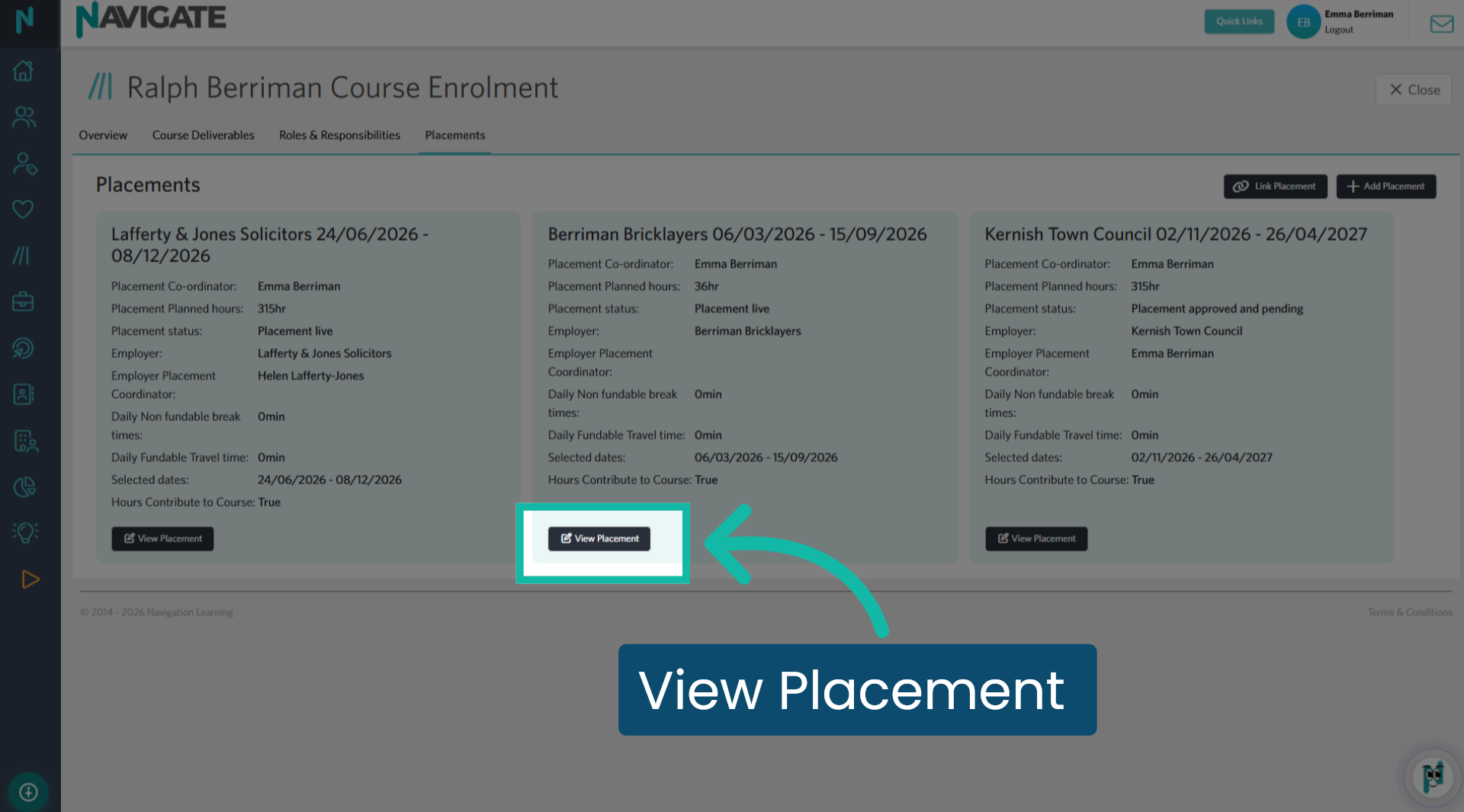
The placement has now been linked to the enrolment. Click ‘View Placement’ to see the placement details.
8. Complete all tabs
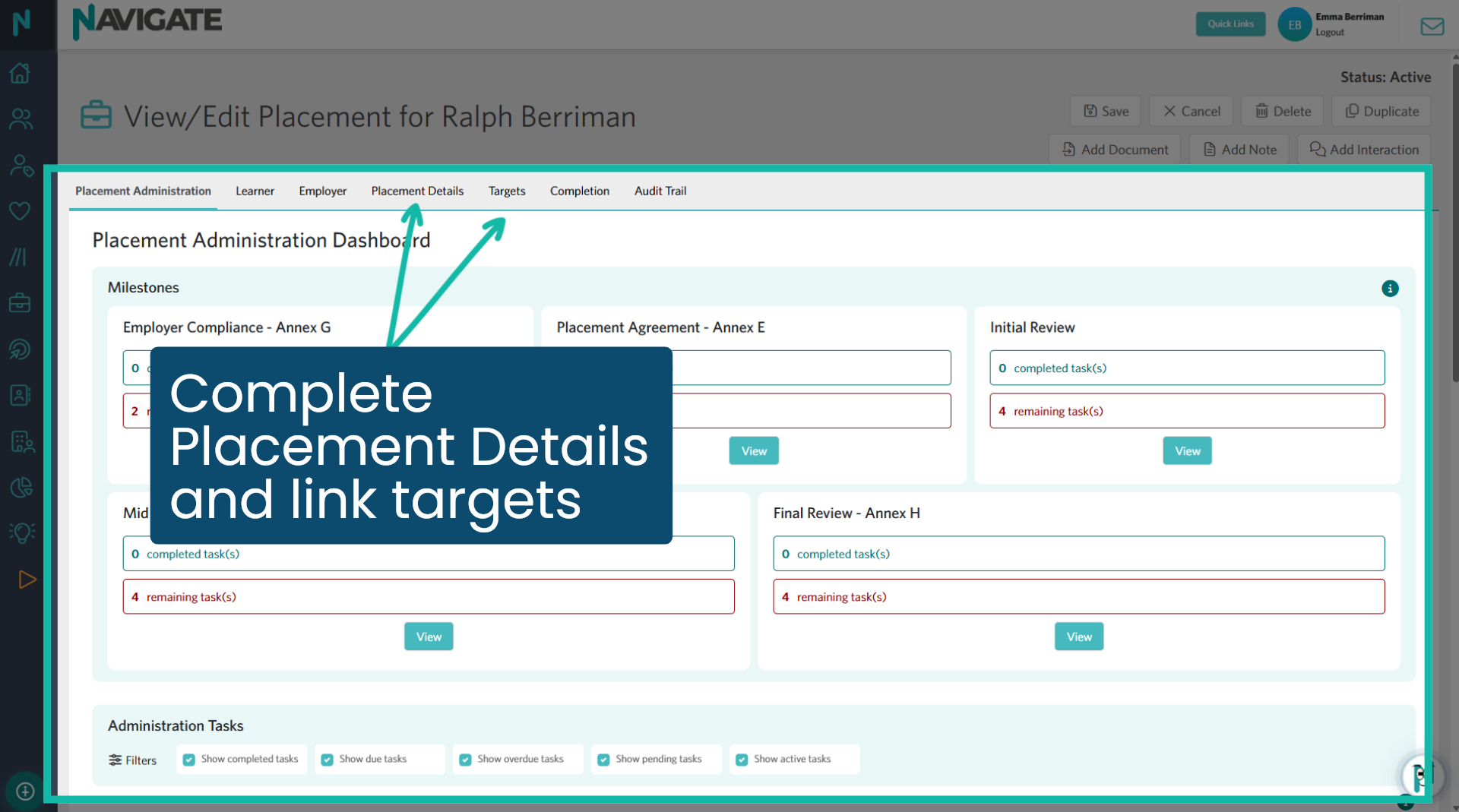
The work experience placement has now been converted to a T Level placement. It now includes the ‘Placement Administration Dashboard’ and the targets tab. Complete all necessary elements in the ‘Placement Details’ tab and link any T Level targets to this placement.
Was this article helpful?
That’s Great!
Thank you for your feedback
Sorry! We couldn't be helpful
Thank you for your feedback
Feedback sent
We appreciate your effort and will try to fix the article