Go to login.navigate.uk.com
1. Delete an Enrolment
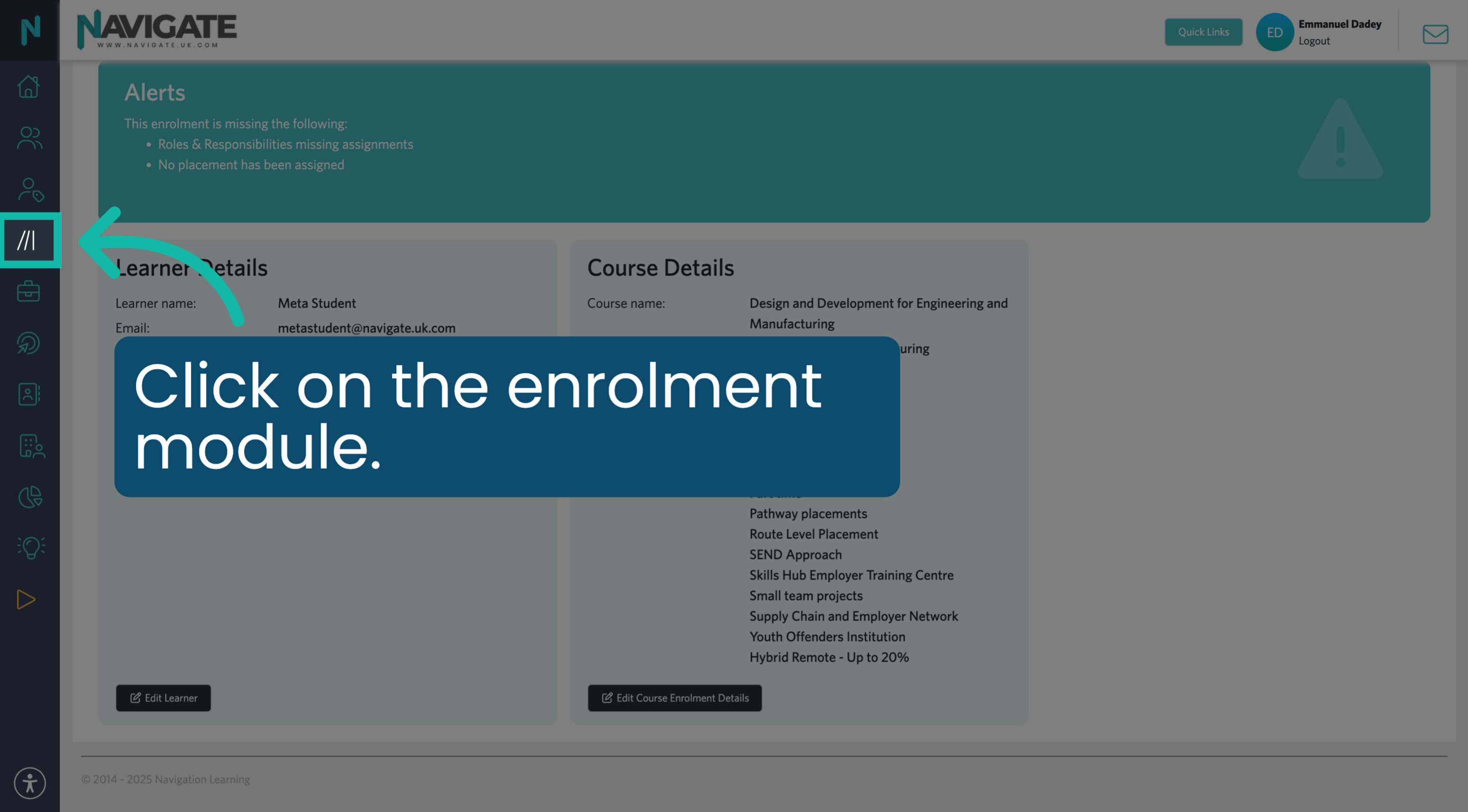
Once logged in, click on the enrolment module to delete an enrolment.
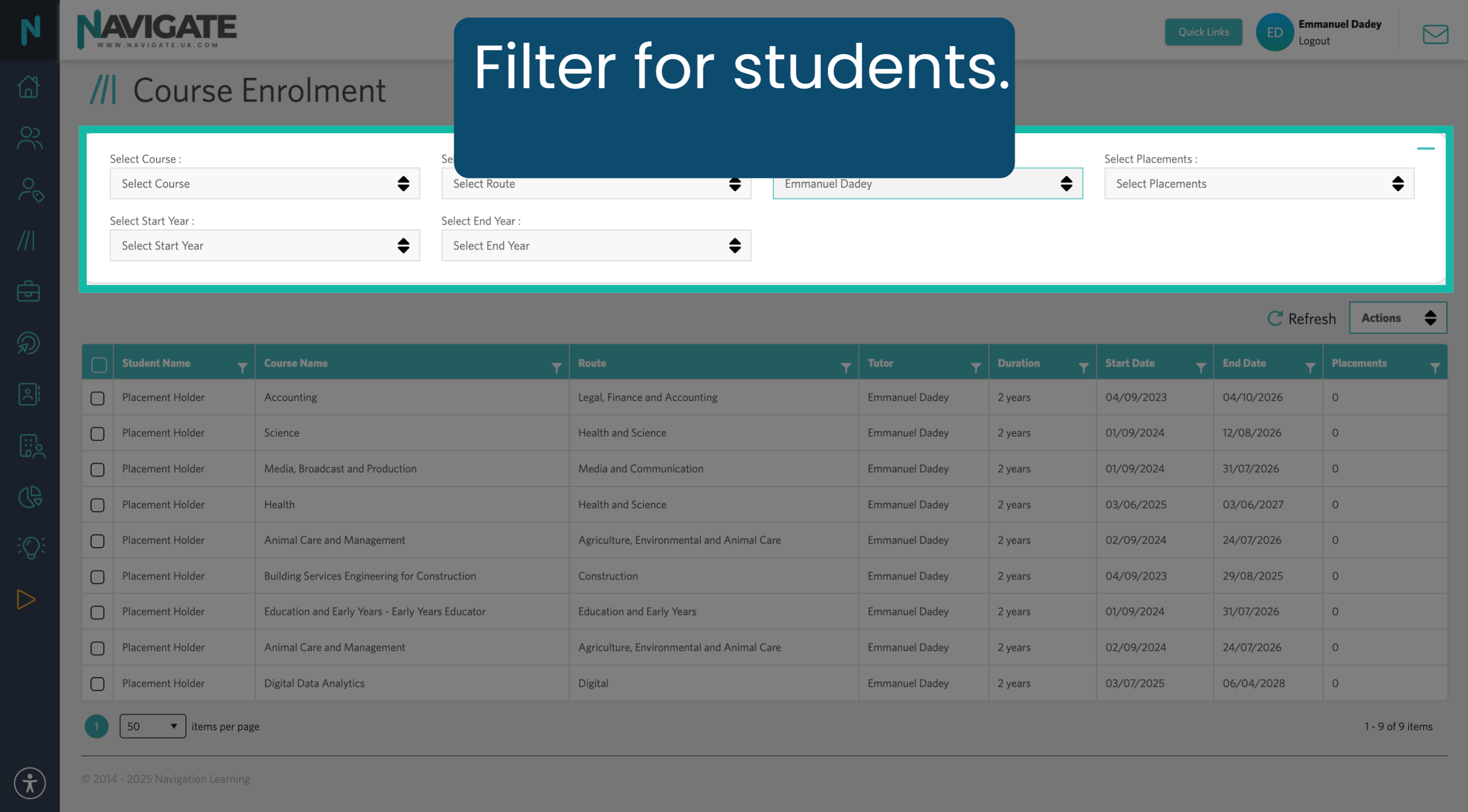
2. Filter For Students
Use the filters to find your students.
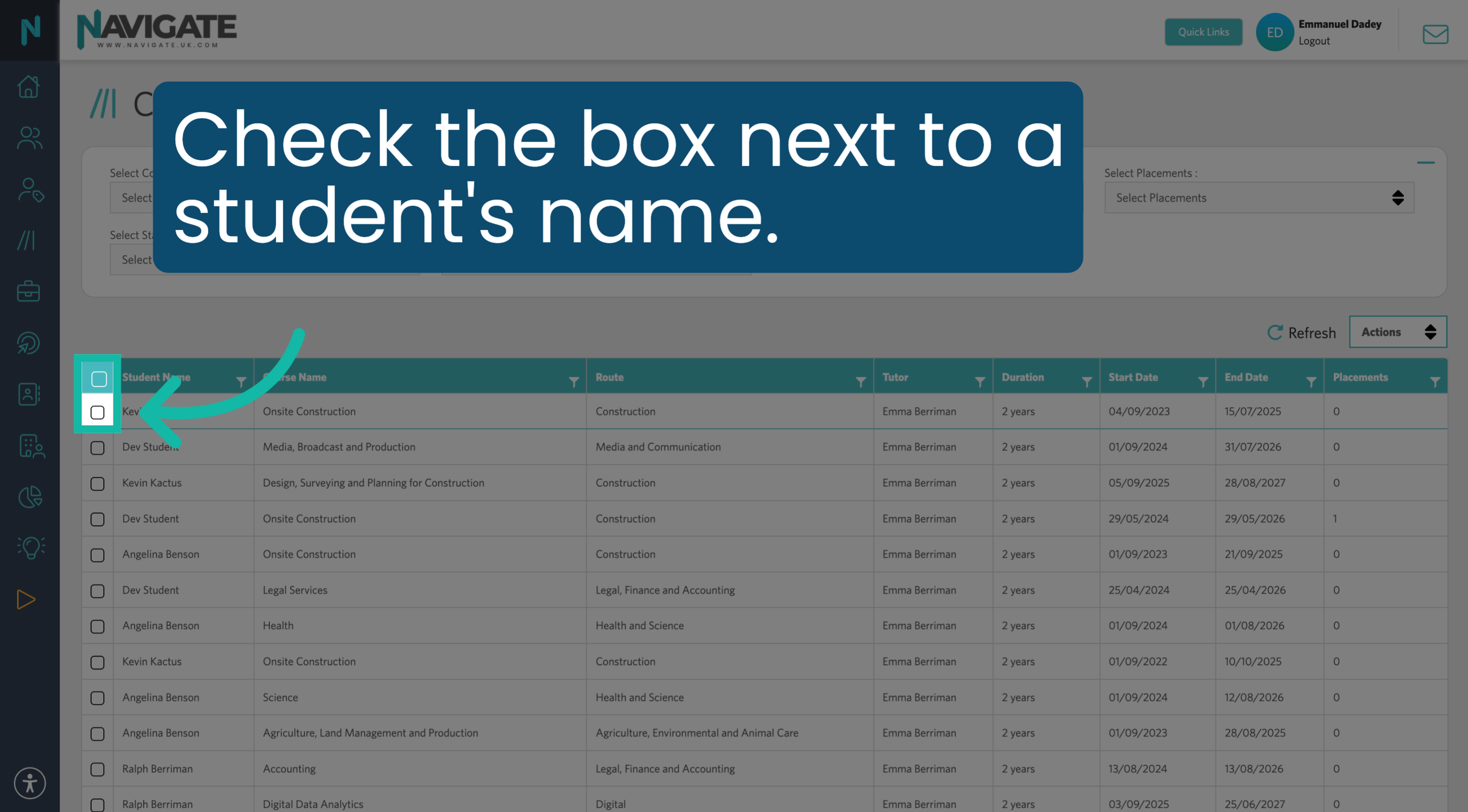
3. Select Student
Check the box next to each student's name, or select all students by checking the top checkbox.
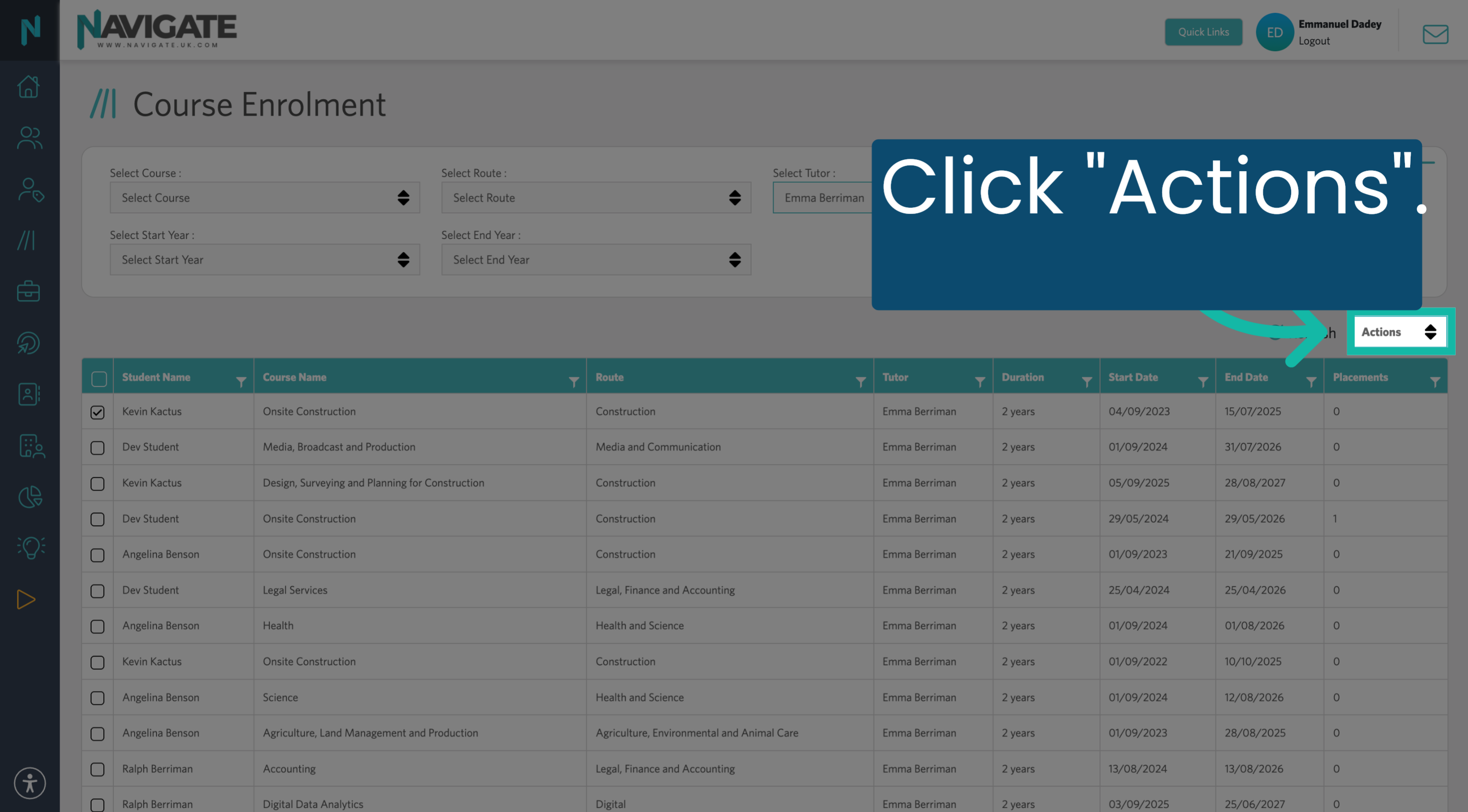
4. Open Actions Menu
Click "Actions".
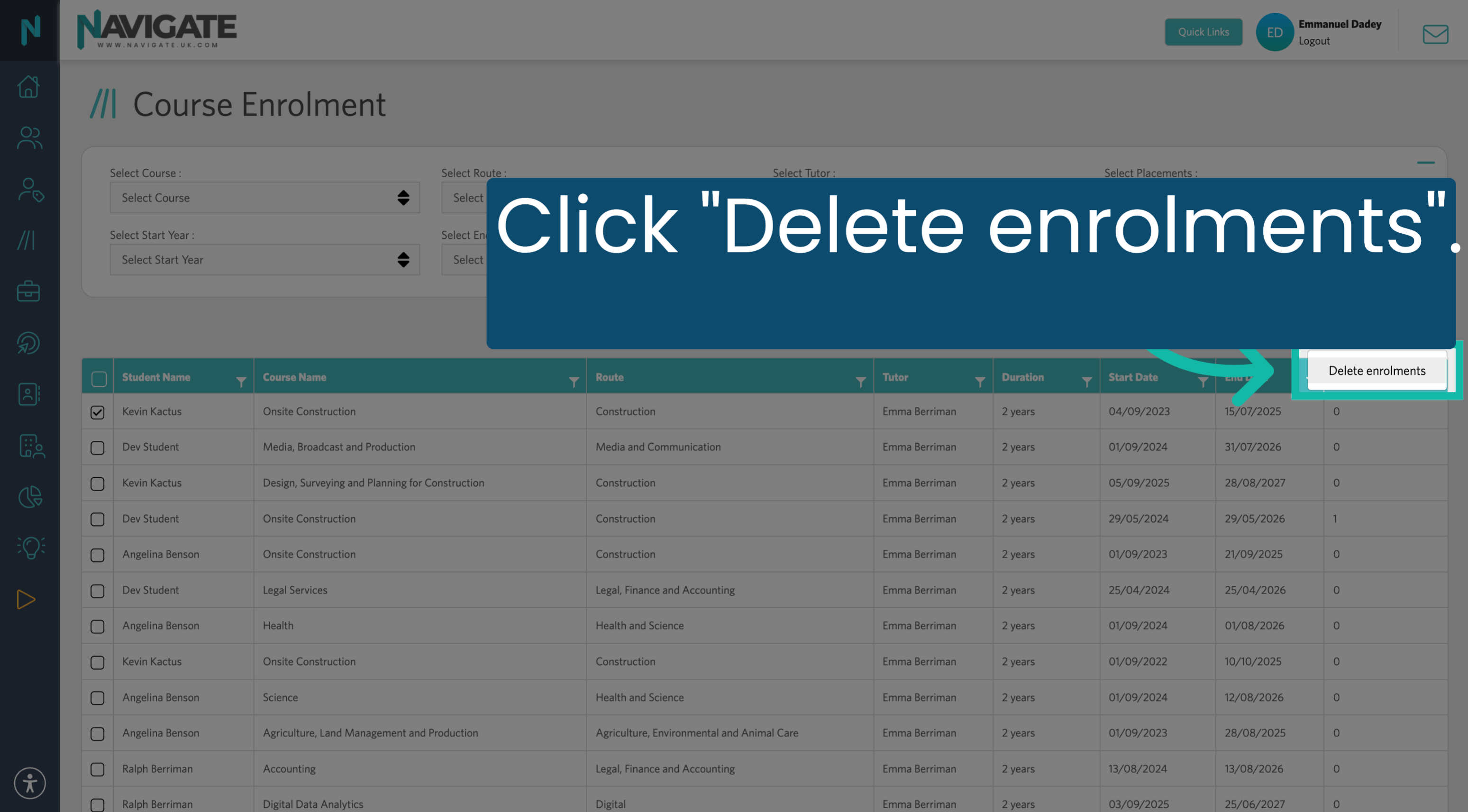
5. Delete Enrolments Option
Click 'Delete enrolments' to remove the selected course enrolment from the student.
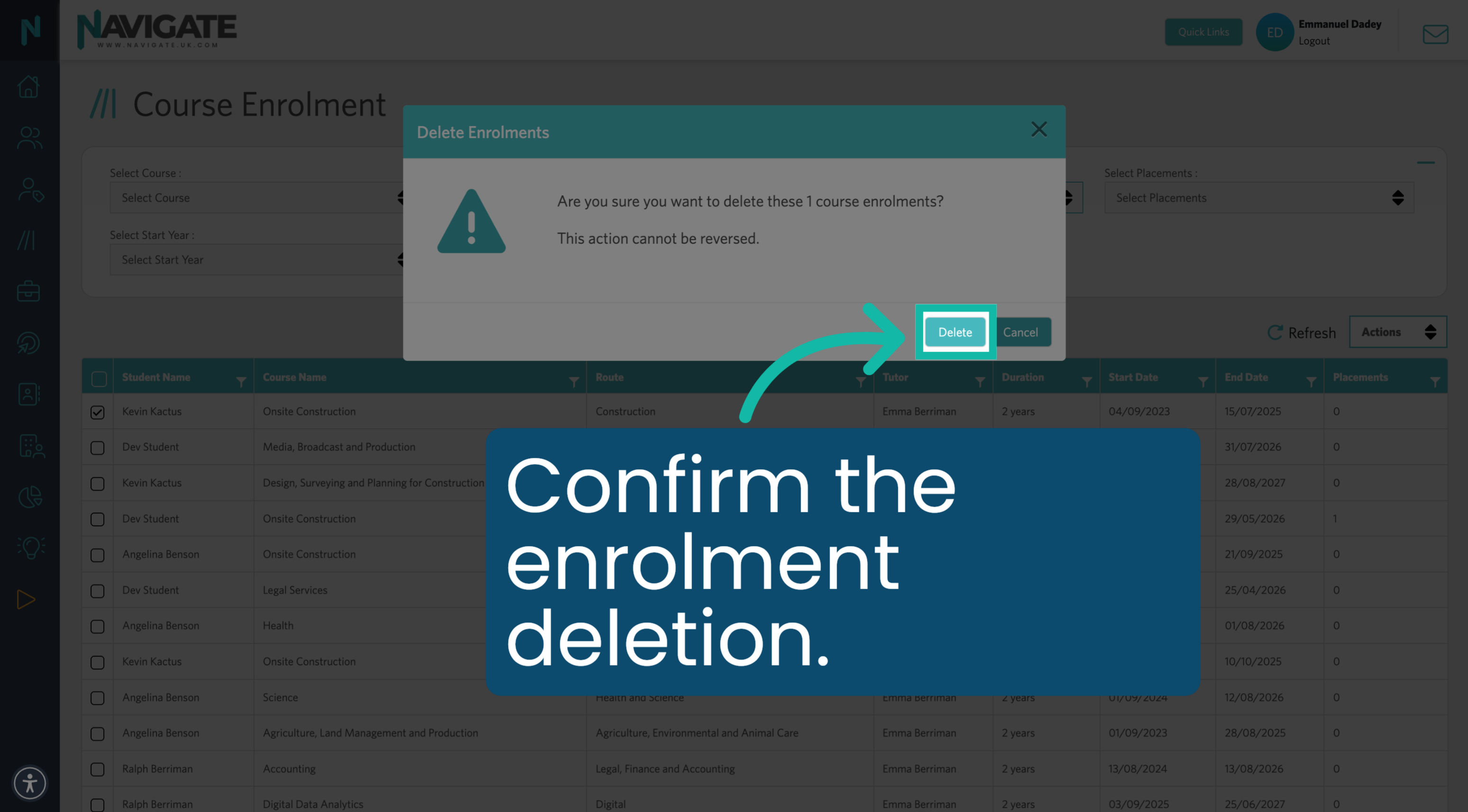
6. Confirm Deletion
Click "Delete" to confirm the action.
Was this article helpful?
That’s Great!
Thank you for your feedback
Sorry! We couldn't be helpful
Thank you for your feedback
Feedback sent
We appreciate your effort and will try to fix the article