This tutorial explains how to send an email from an employer goal.
Go to login.navigate.uk.com
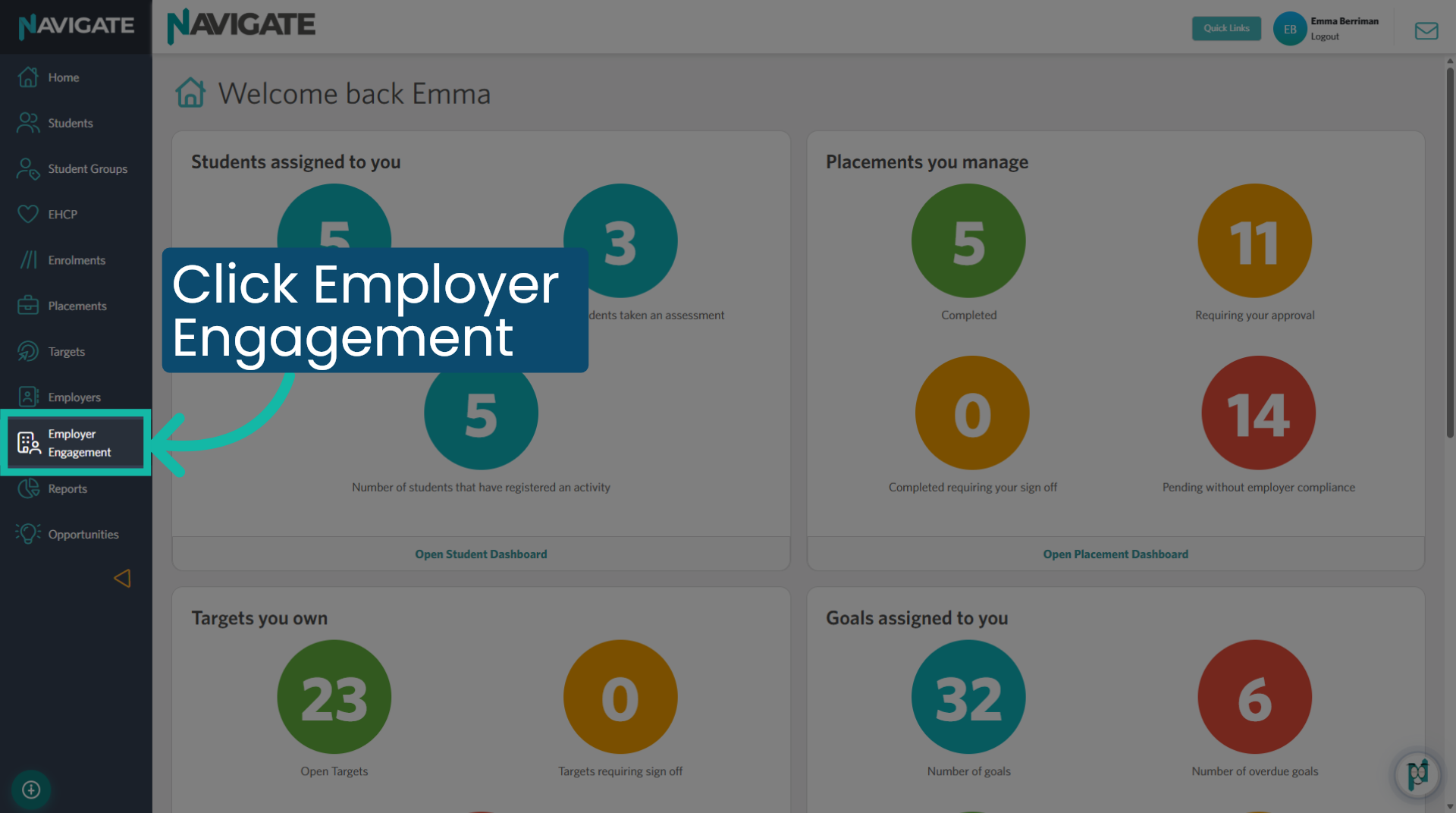
1. Open Employer Engagement module
Once logged in, click on the Employer Engagement module to manage employer-related goals and activities.
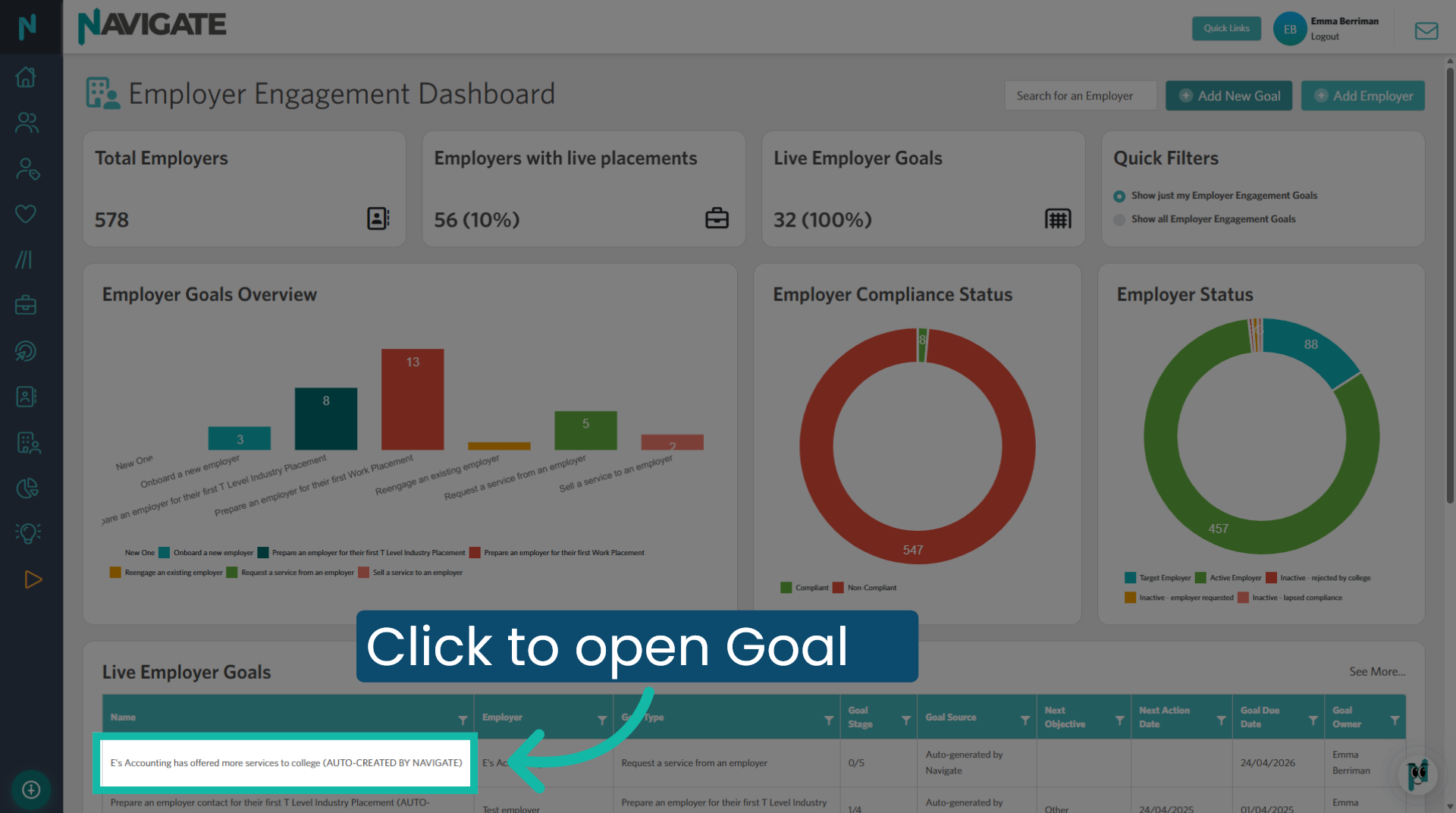
2. Click to open goal
Use the filters to refine your goal search. Scroll down to the grid and click to select the goal to which you wish to record actions against.
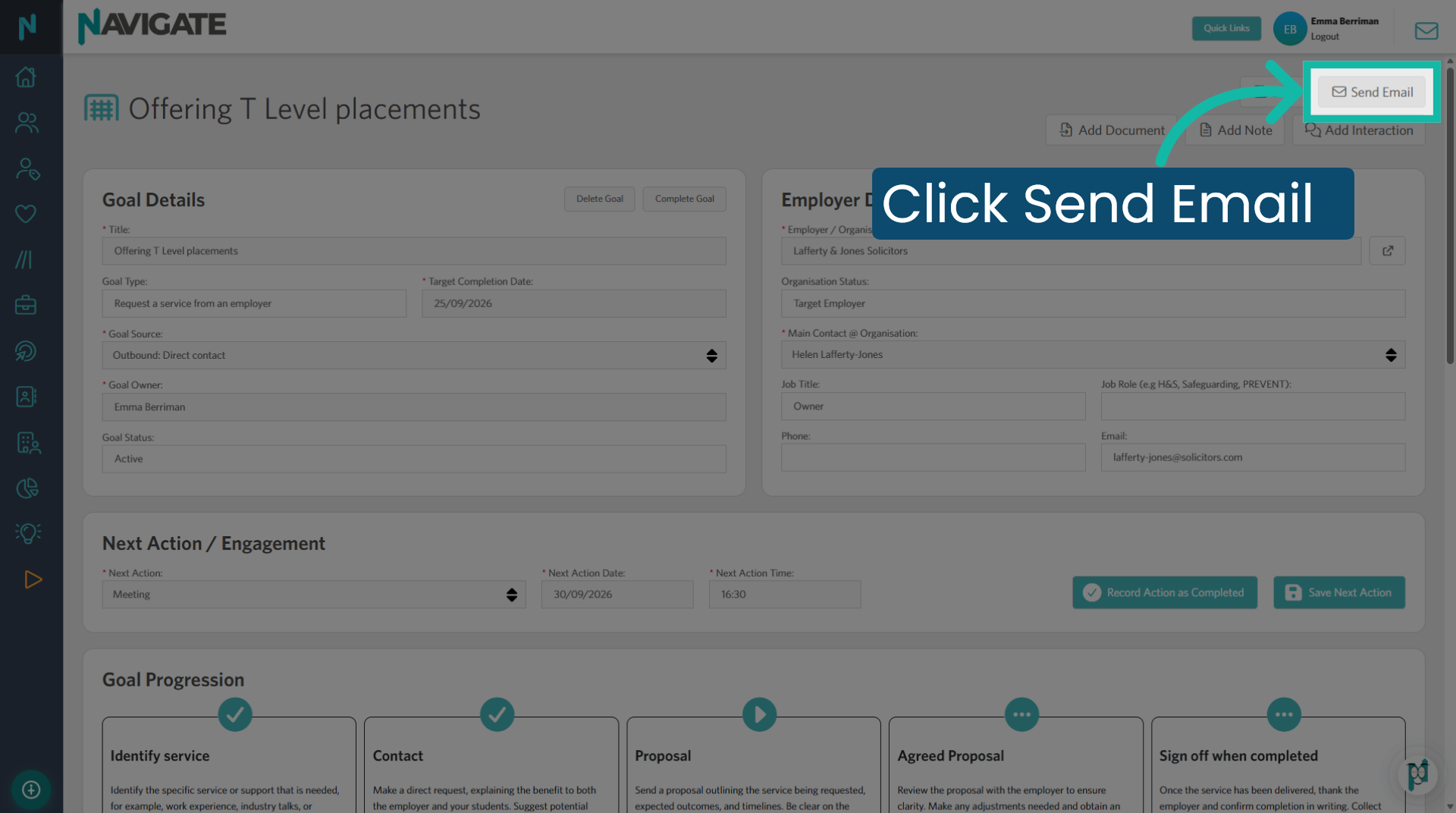
3. Click 'Send Email'
Click the send email button to open the email form.
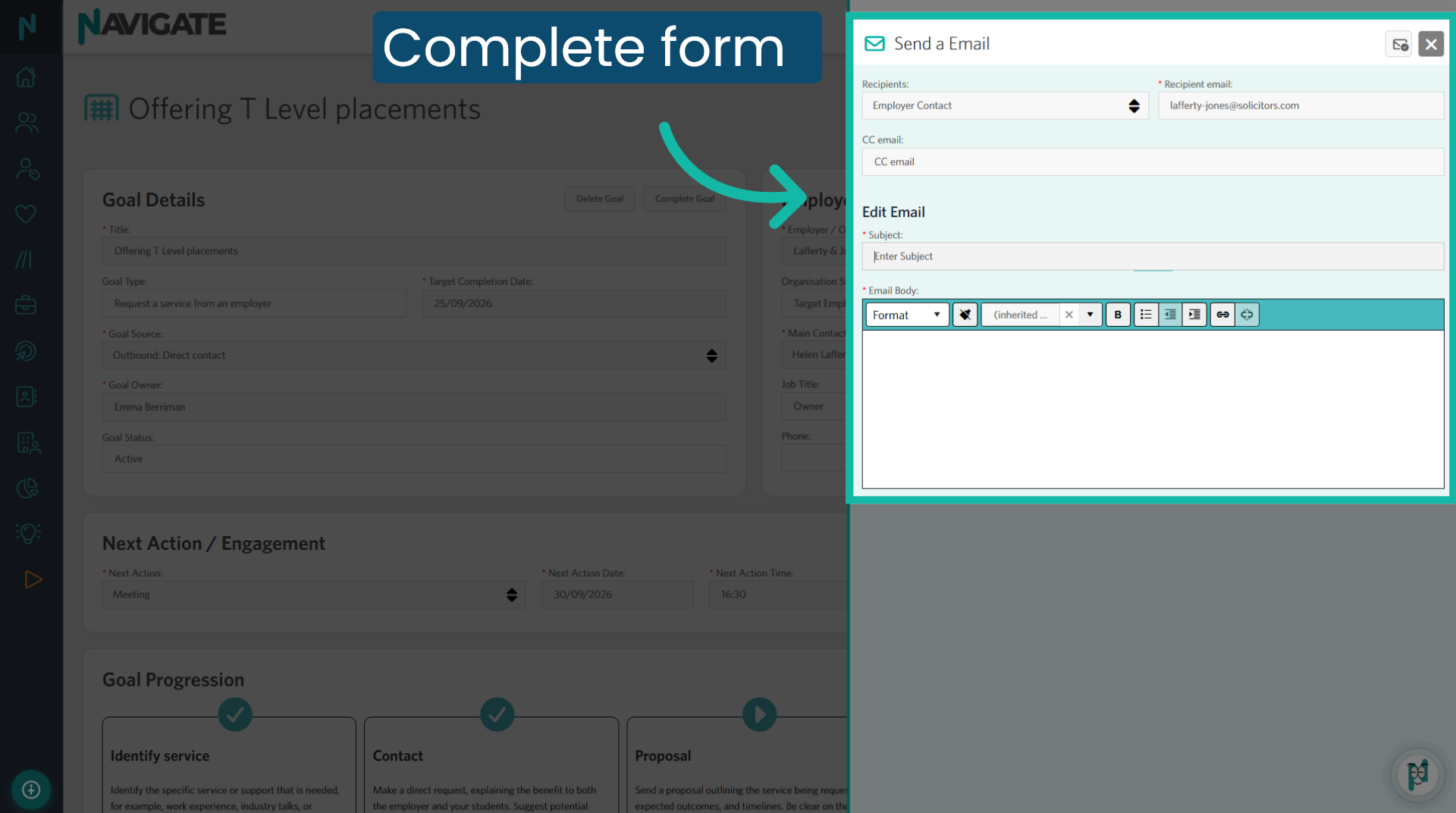
4. Complete form
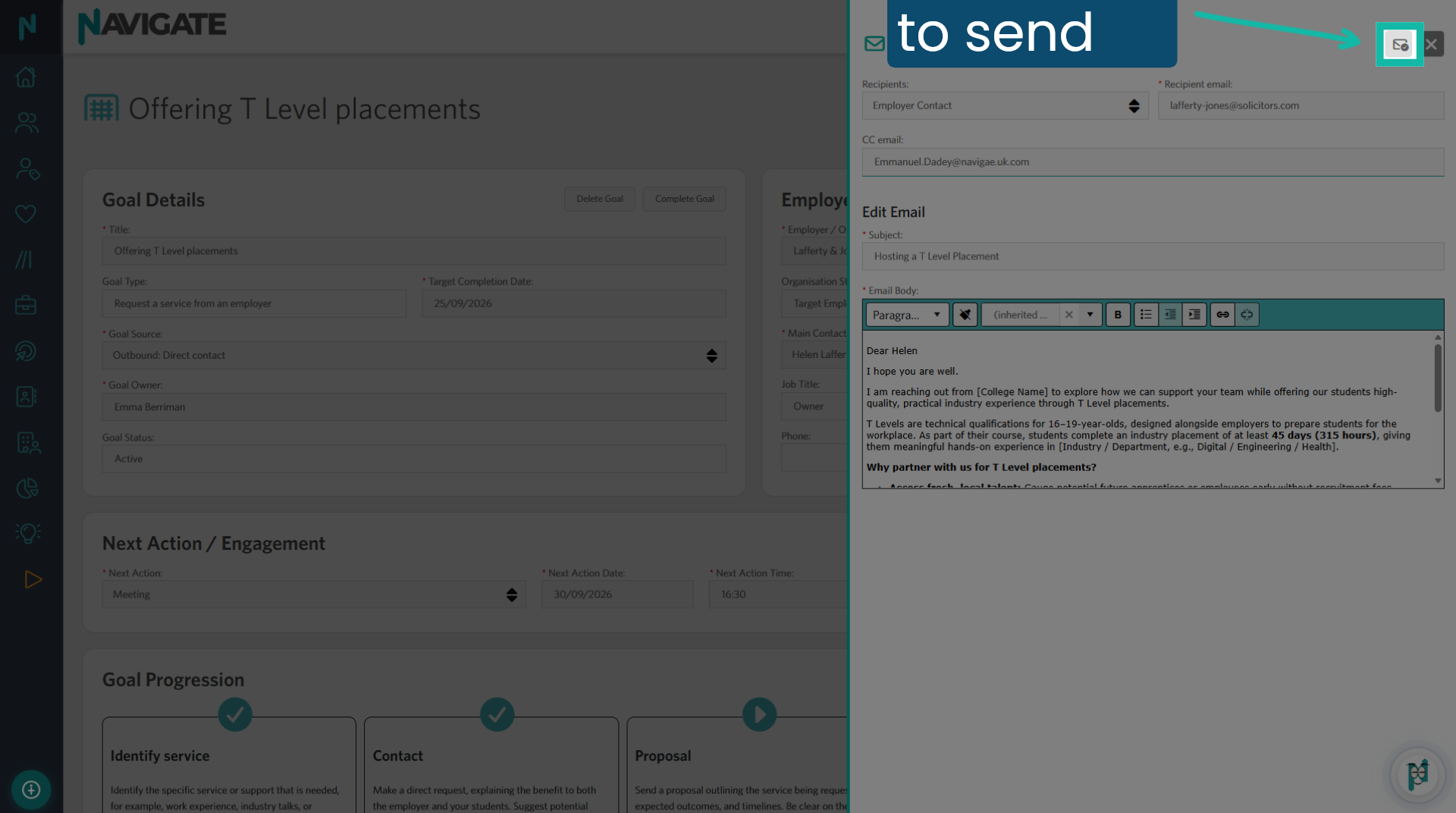
The recipient will be the employer contact who is chosen against the goal. The email address will be auto-populated. CC anyone else who needs to be included. Provide a subject for the email and add the email content.
5. Click here to send the email
Click the email icon to send the email to recipients.
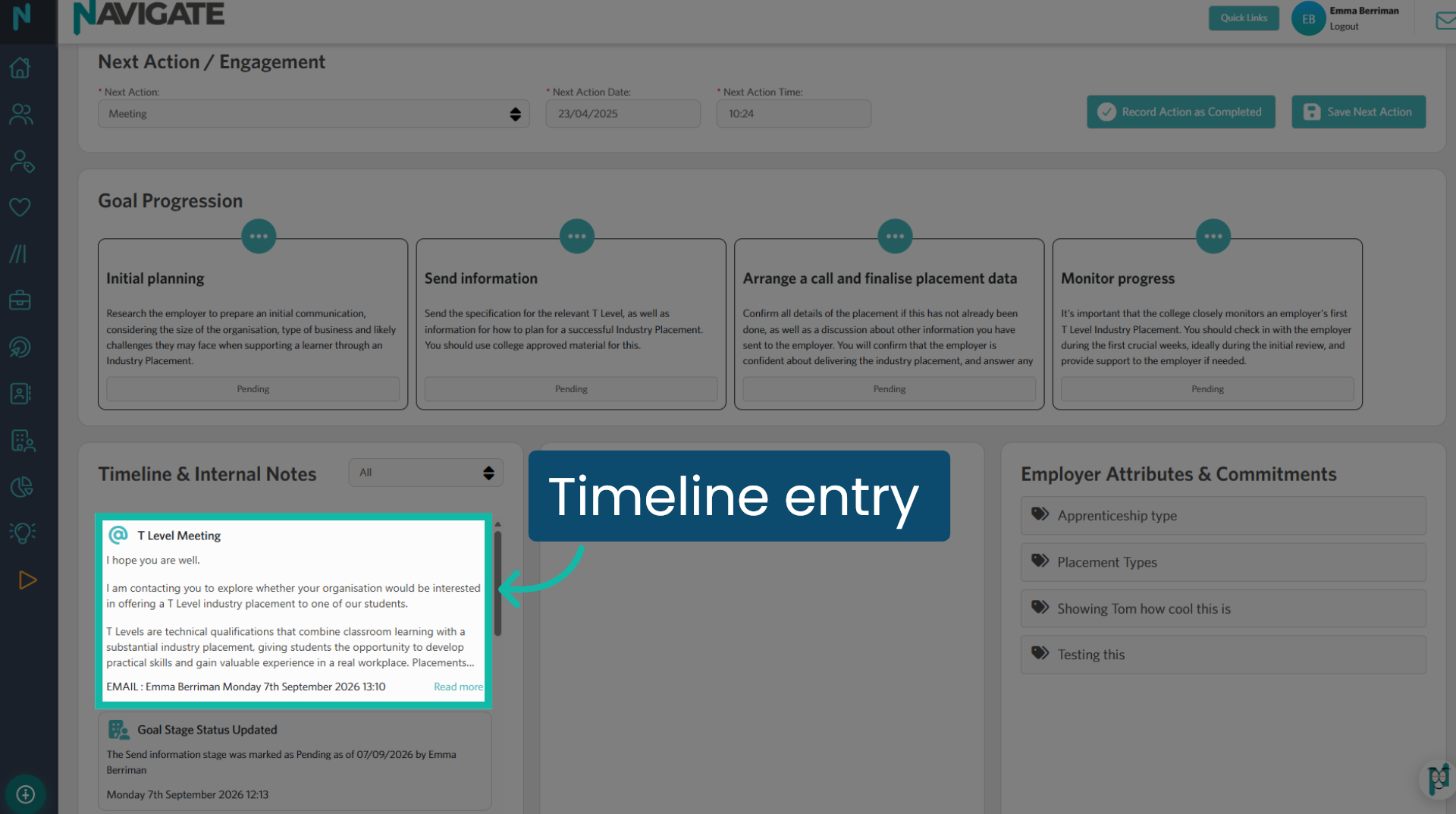
6. Timeline entry
The email and its content will be displayed on the timeline.
Was this article helpful?
That’s Great!
Thank you for your feedback
Sorry! We couldn't be helpful
Thank you for your feedback
Feedback sent
We appreciate your effort and will try to fix the article